


Product

One platform for every camera you already own.

Watch one reception camera go from connected to counting to alerting, in about twenty seconds. No new hardware, no code.

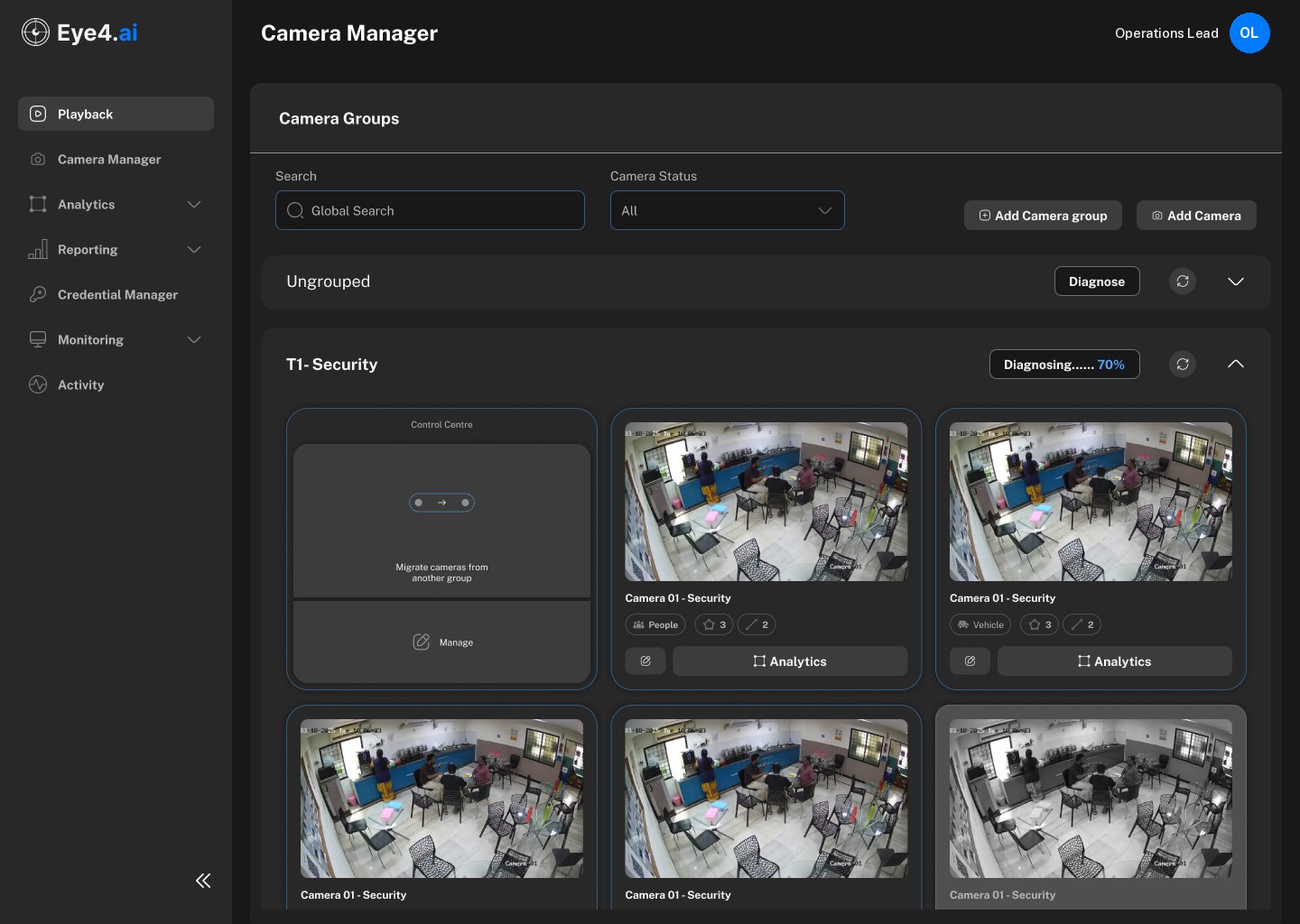
Camera ManagerOperations LeadOL
Global searchStatus · AllAdd camera group+ Add camera
HQ · Ground floor6 cameras · all healthy
LIVEAdded just now
CAM 22 · Reception
PeopleHealthy
Analytics
+Add a camera
LIVE
CAM 23 · Entrance corridor
PeopleHealthy
Analytics
LIVE
CAM 12 · Front desk
PeopleHealthy
Analytics
LIVE
CAM 31 · Meeting room 2
OccupancyHealthy
Analytics
LIVE
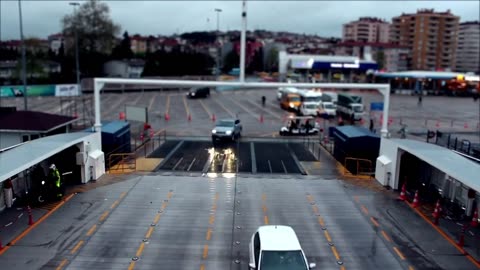
CAM 02 · Vehicle gate
VehiclesHealthy
Analytics
LIVE
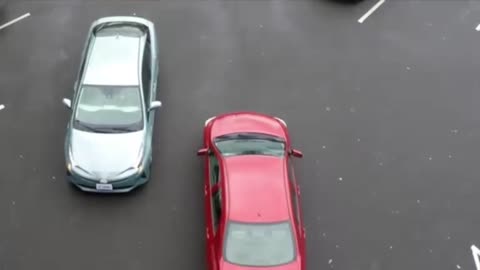
CAM 18 · Visitor car park
VehiclesHealthy
Analytics
Add camera
ConnectConnected · 1080p · 25 fps
LIVE
0
Zone settingsSave zoneZone saved · counting
Reception · people in zoneLive
In zone now3
Peak today1409:40
Average stay2:10
08:0008:1508:3008:45
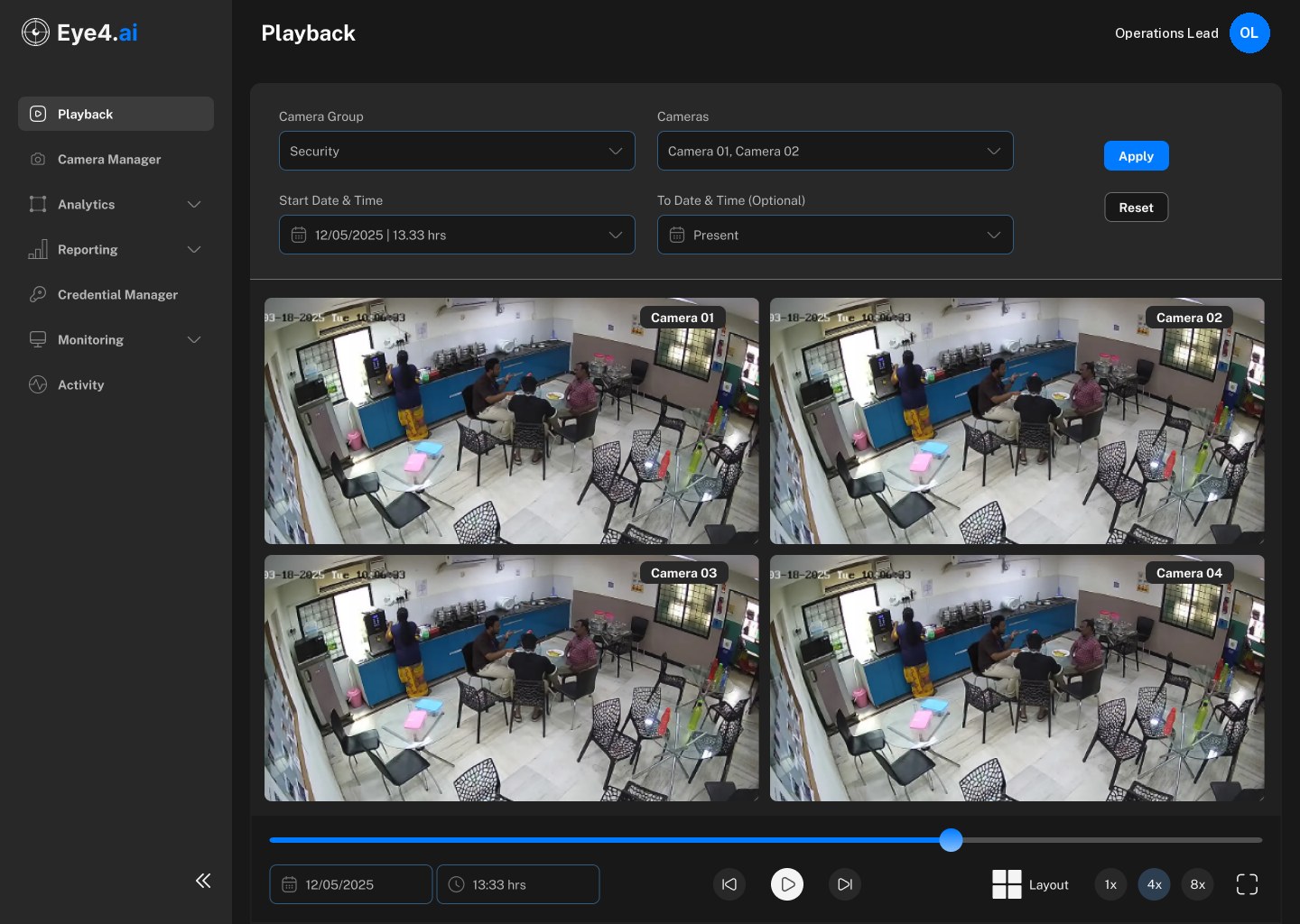
Playback · CAM 22 Reception · 08:41:12
12/05/202608:41:12⏮▶⏭1x4x
Events
Over capacity · 9 people08:41:12 · alert sent
Back under 808:44:50
Reviewed by Operations Lead08:45:03
08:41Tuesday 12 May
nowReception over capacity9 people in the zone · alert above 8
ViewDismiss

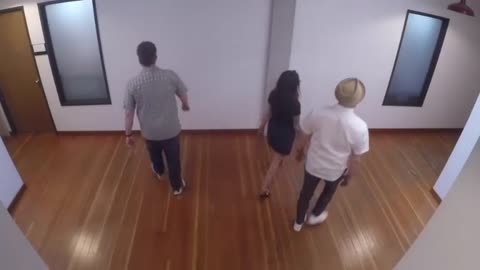
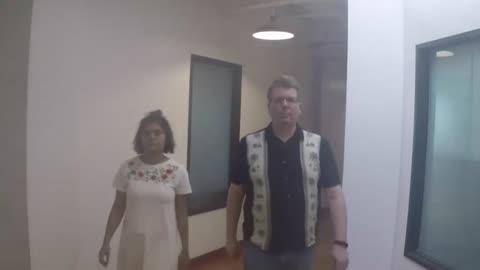
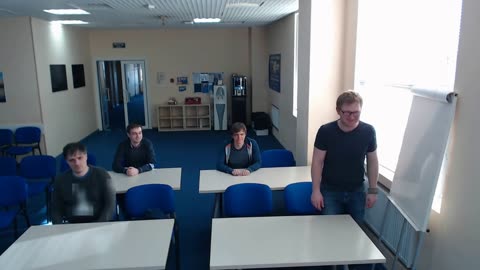
Sample footage (Intel sample videos, CC BY 4.0; OpenCV sample data; Mixkit). Boxes come from an object-detection model run on each clip; labels and readings are illustrative.

Core analytics

Four things it reads on every camera.

Insight from the camera network you already have. Each family covers several use cases, and they run side by side on the same feed.

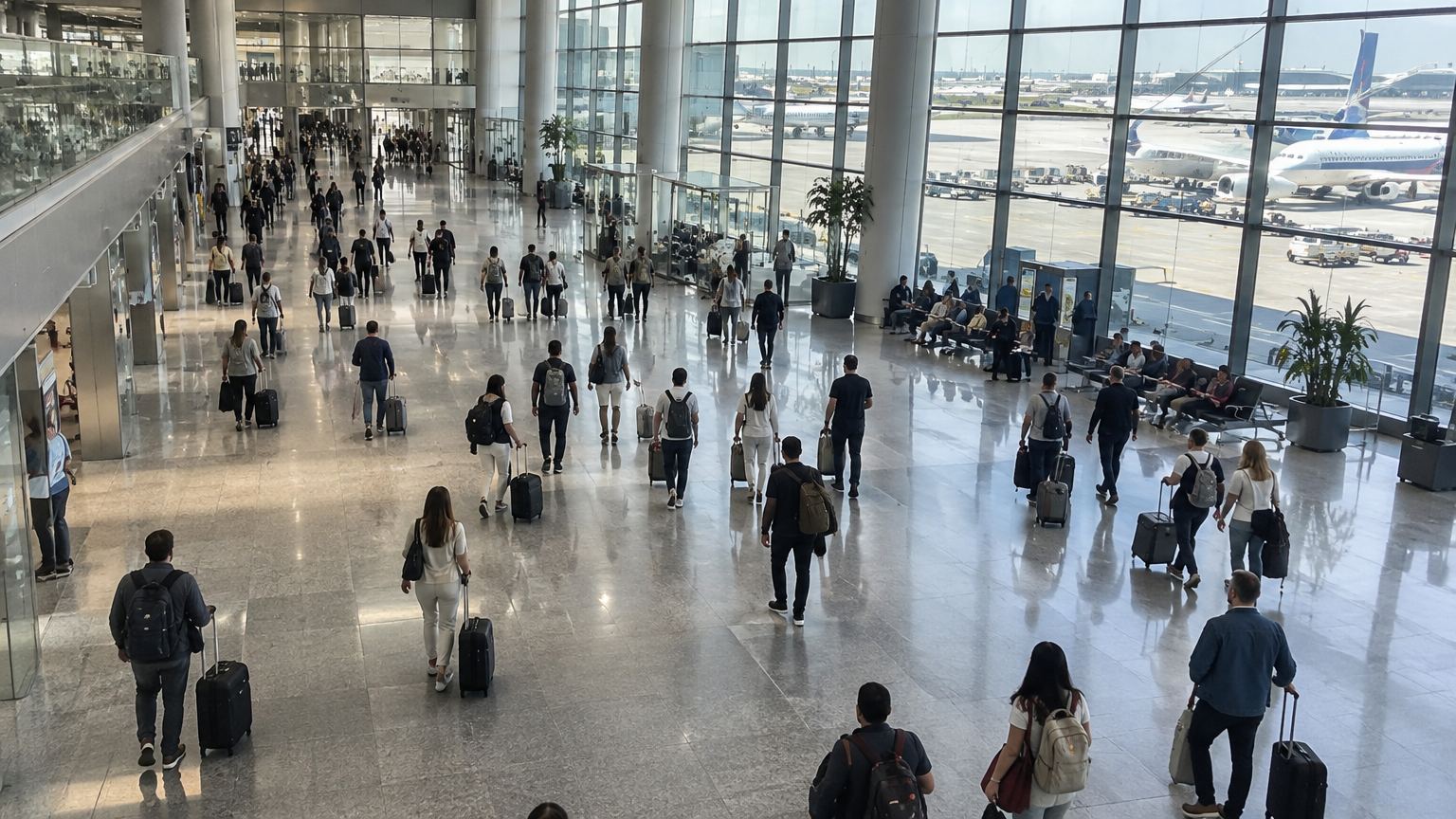
Zone A · 82% fullSeating · 41%
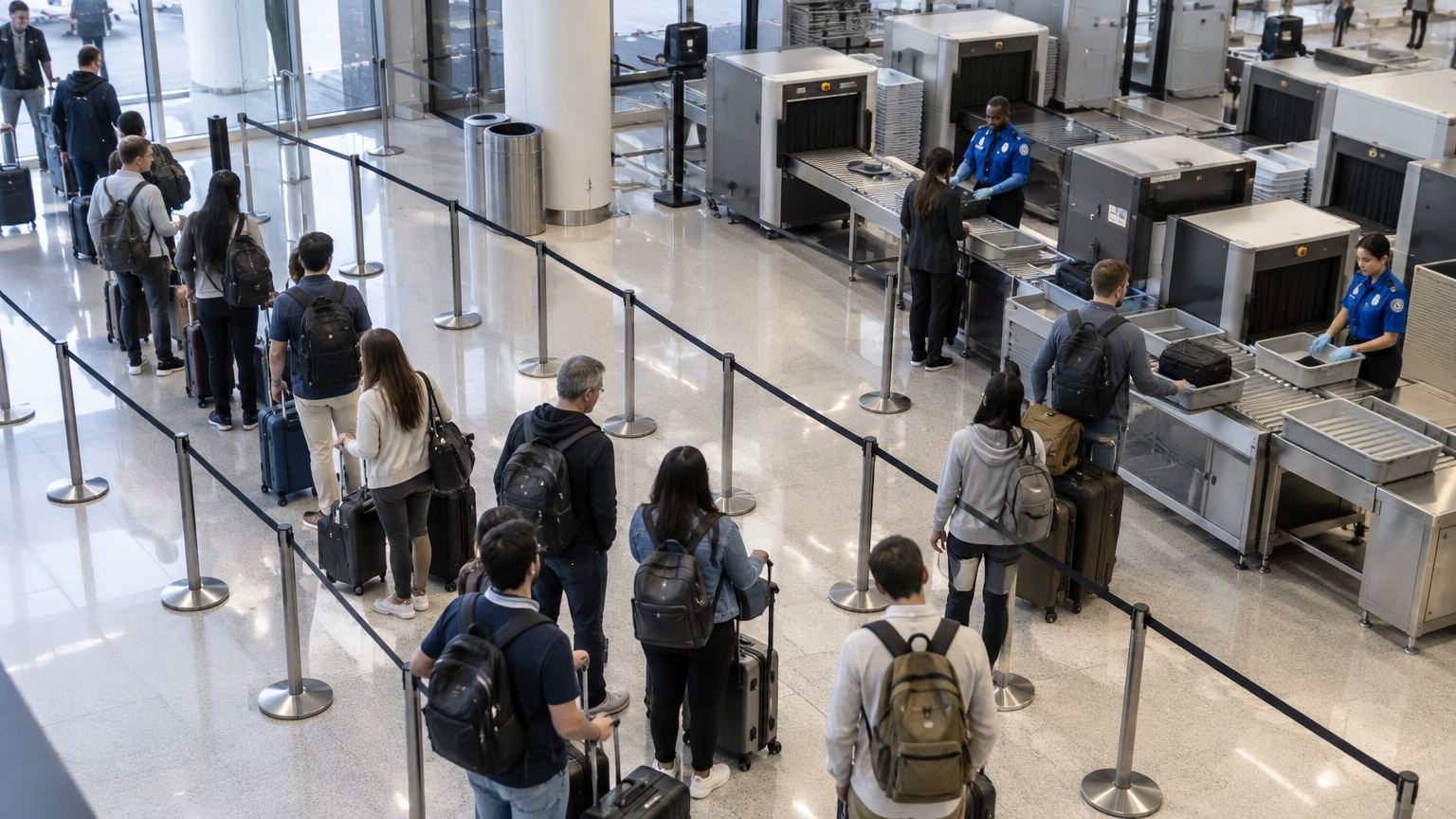
CAM 06 · Departure hall
01

People counting and crowd density

Track foot traffic, watch crowd levels in real time, and alert when a threshold is passed.

  • Live count per zone and per camera
  • Crowd density over time, as a heatmap
  • An alert the moment a limit is passed
Wait 03:12
Wait 04:05
Wait 05:20
Wait 06:41
Officer
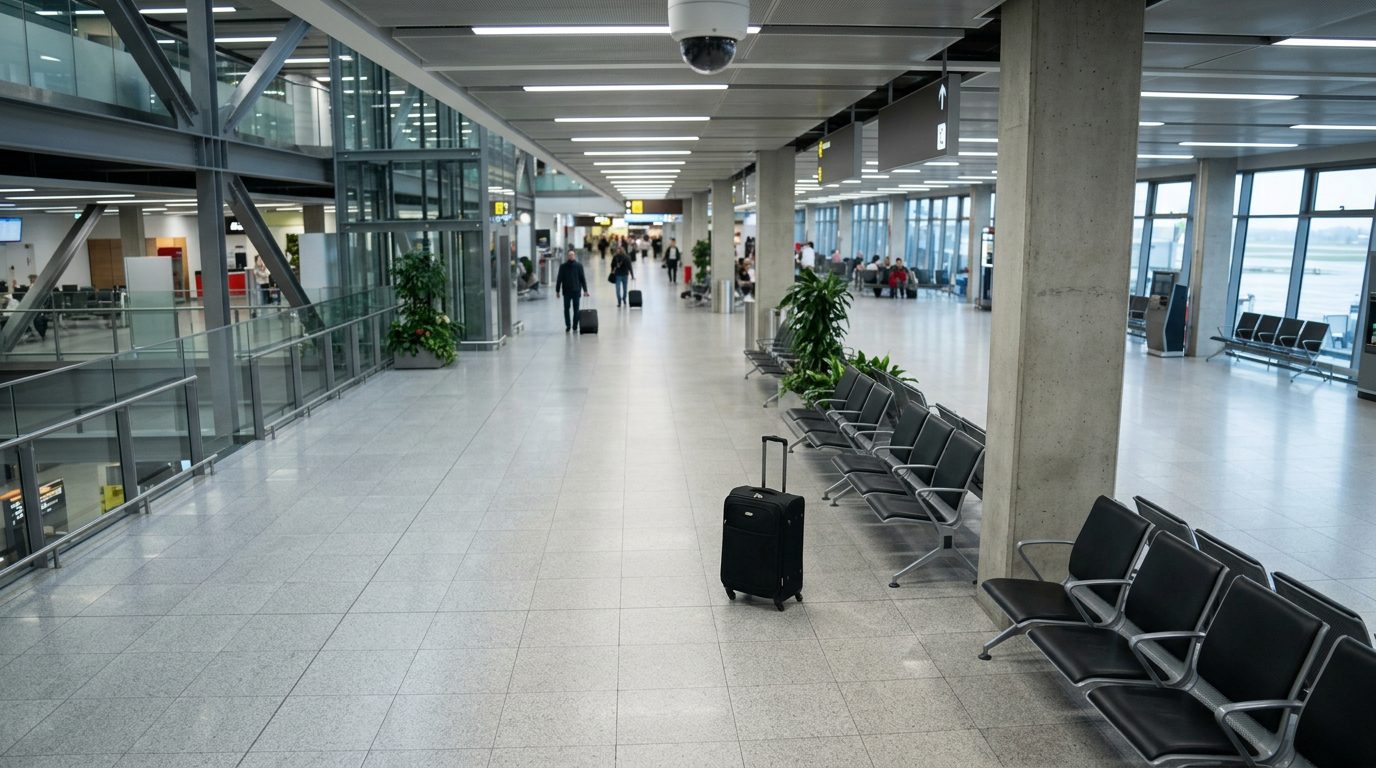
CAM 11 · Screening checkpoint
02

Queue length and wait time

Measure how long queues are and how long people wait, to staff ahead of demand.

  • People in the queue, lane by lane
  • Wait time from joining to being served, first in first out
  • Several areas combined into one virtual queue

Add process, quality and safety detections and you have 18 use cases across four industries.

Explore solutions
How detection works

Every object found, named and placed.

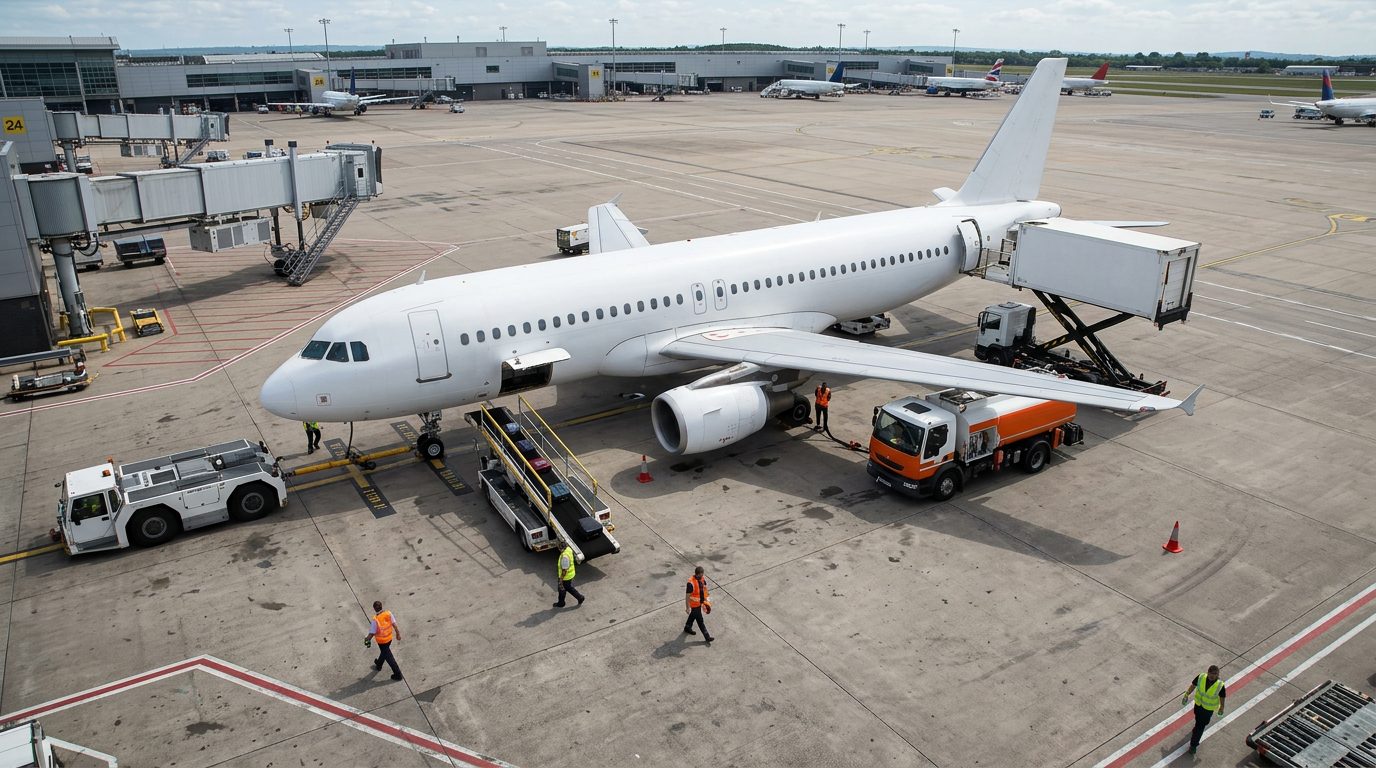
Object detection identifies what is in a frame and exactly where it is. That pair, class and location, is what turns ordinary footage into numbers you can act on.

Apron camera view of an aircraft on stand with ground vehicles, each framed by a detection box
CAM 40 · Stand 24 · 09:14:06
  1. ClassificationWhat the object is, with a confidence score.
  2. LocalisationWhere it sits in the frame.
  3. Bounding boxThe x, y, width and height that frame it exactly.
Detection recordSelect a box on the frame
{
  "class": "aircraft",
  "confidence": 0.98,
  "box": { "x": 261, "y": 61, "w": 936, "h": 392 },
  "camera": "CAM 40",
  "zone": "Stand 24",
  "time": "09:14:06"
}
How it works

Six screens, from first camera to report.

The Eye4.ai screens your team works in, shown as they are, one step at a time.

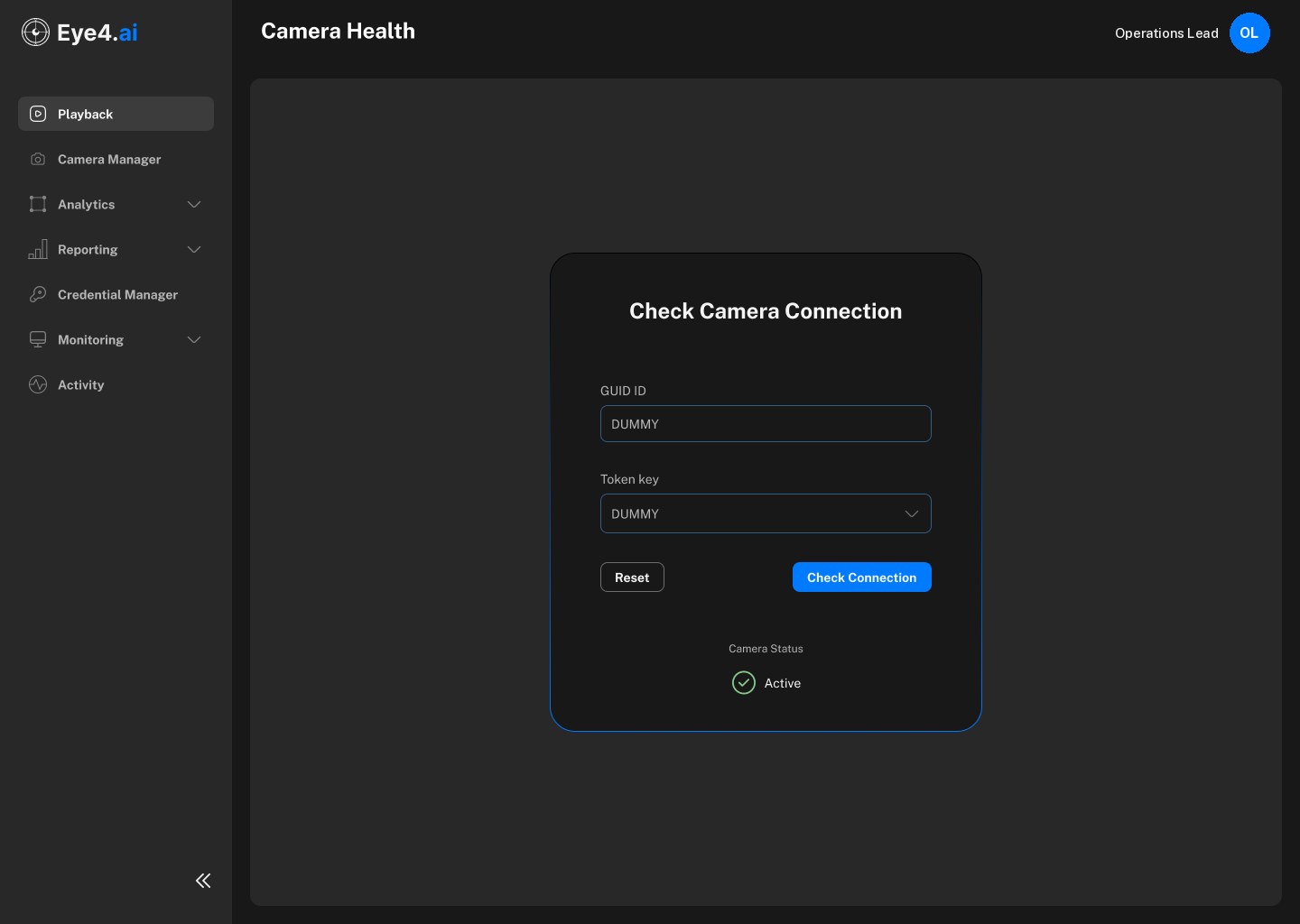
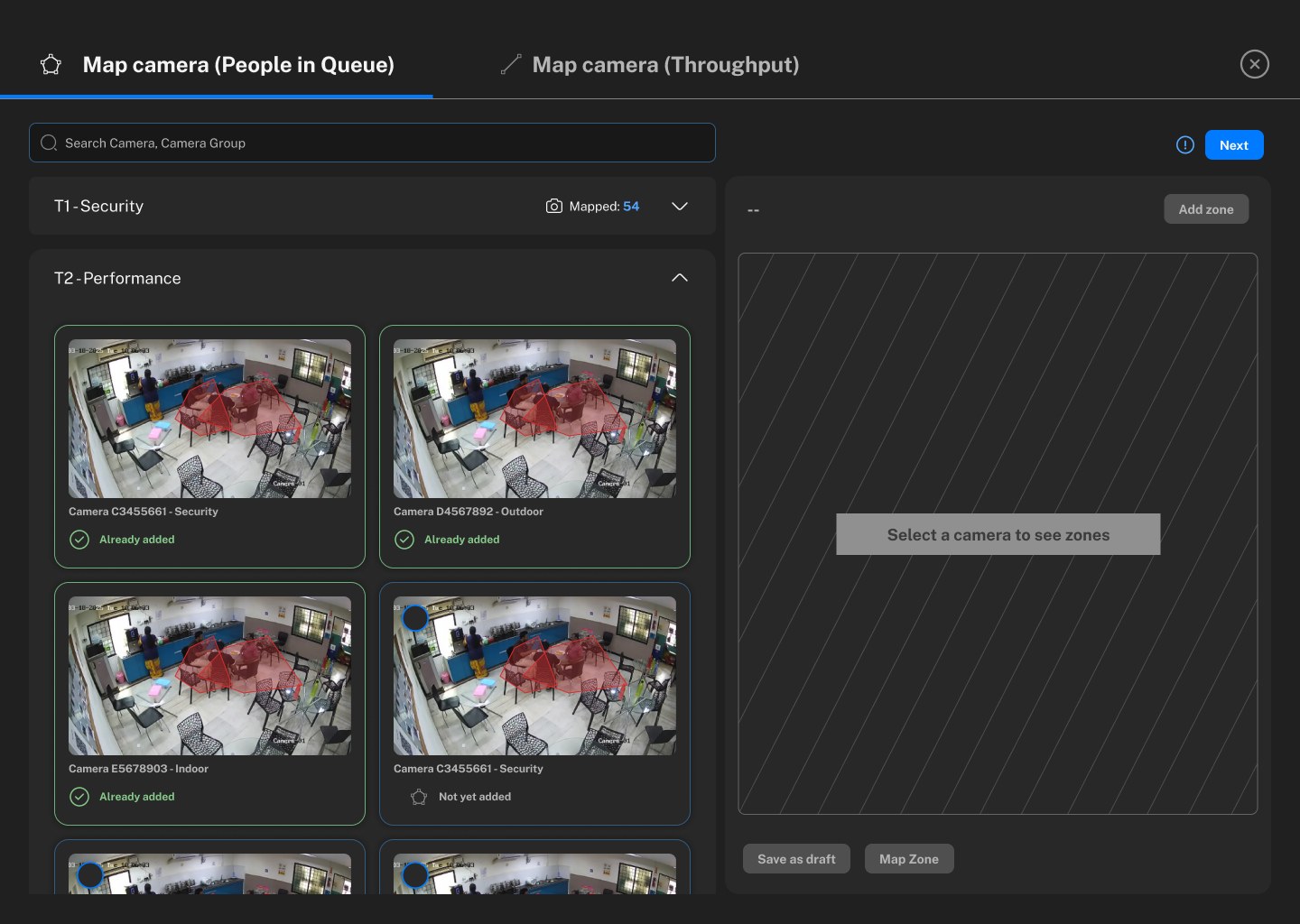
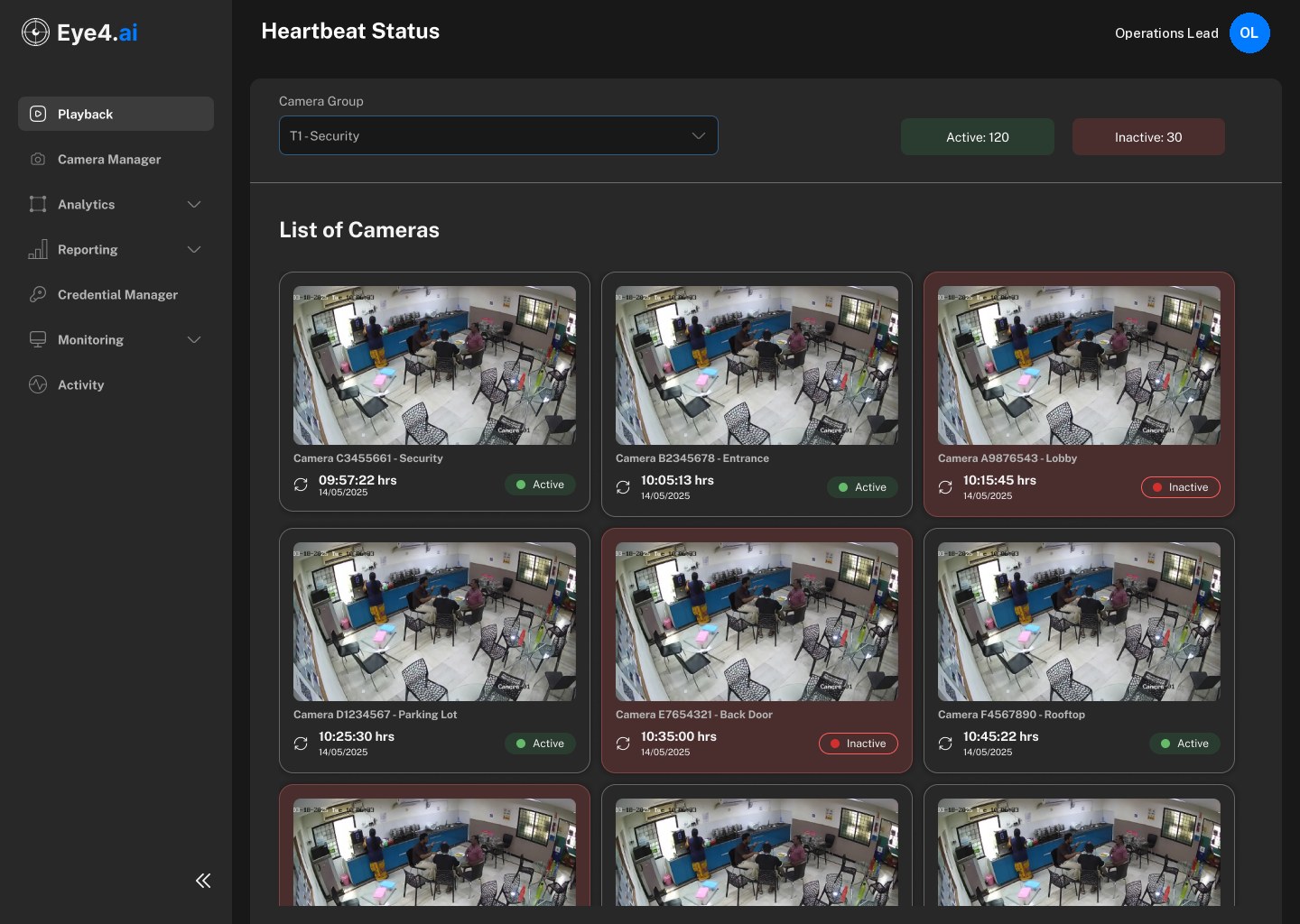
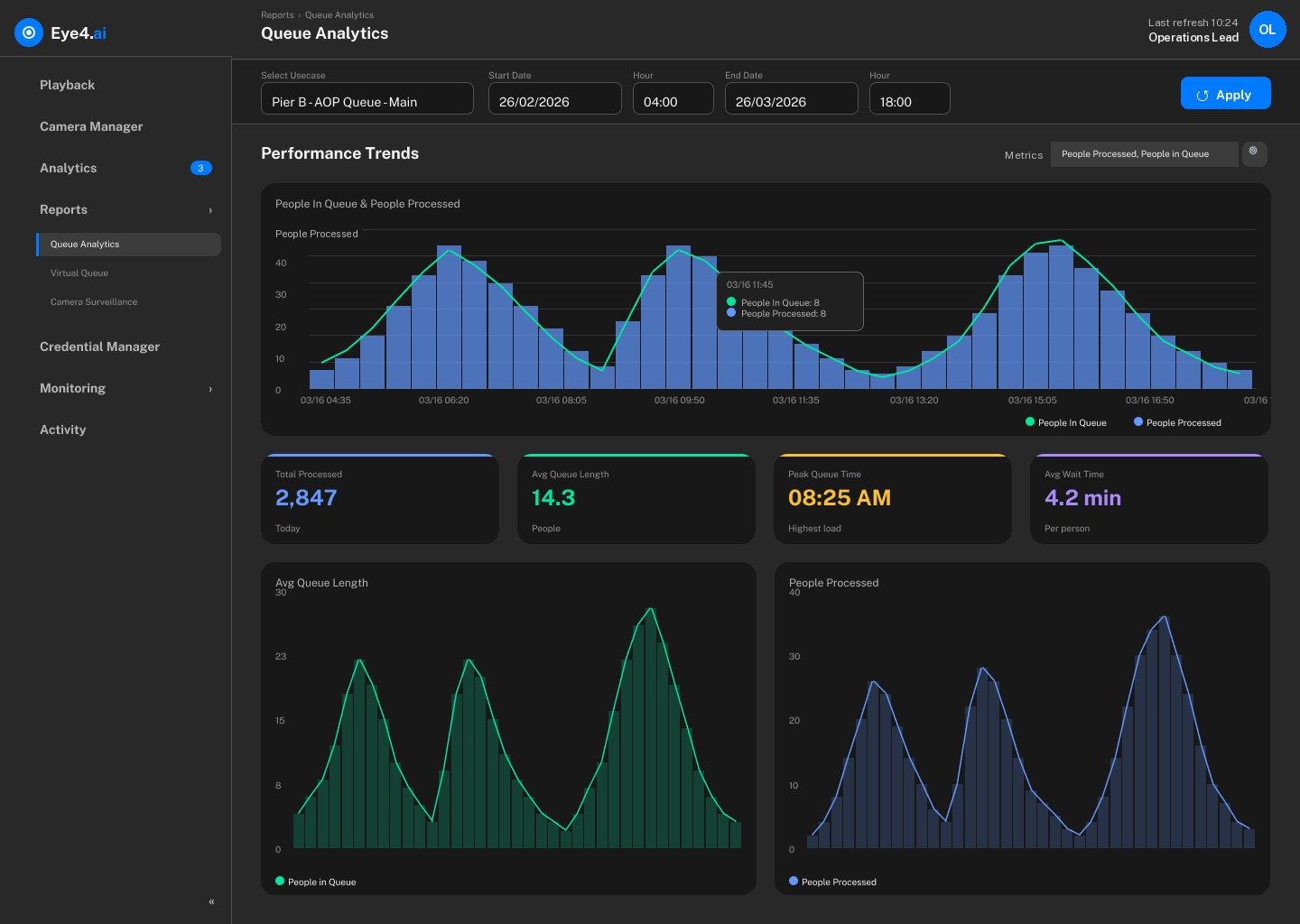
Eye4.ai Camera Health screenEye4.ai Camera Manager screenEye4.ai Map camera screenEye4.ai Heartbeat Status screenEye4.ai Playback screenEye4.ai Queue Analytics screen

Screens from the Eye4.ai platform with sample data. Nothing has been added to them.

Eye4.ai Camera Health screen

Camera Health · Eye4.ai platform, sample data

Architecture and technology

Built to run many cameras on hardware you already have.

Cloud-native, GPU-efficient and cloud-agnostic, so it fits your compliance and latency requirements.

95%Detection accuracy across people counting, queue detection, intrusion and vehicle tracking.
  • Works with existing CCTV, no proprietary hardware
  • Face blur built in, privacy by design
  • An easy interface, quick to roll out
Azure Kubernetes ServiceCloud-native deployment with auto-scaling and high availability.
NVIDIA DeepStreamVideo streams processed in GPU batches, so each GPU carries more cameras.
Flexible AI modelsPretrained models for common use cases, and custom training for new ones.
Operational supportSelf-healing services with proactive monitoring and automated recovery.
Deploy it your way

Choose where the processing runs.

Your site
CCTV camerasExisting, any make
VMS or NVRRecorded and live video
Eye4.ai processingModels, zones and rules
Dashboards and alertsOn your network
Cloud
Eye4.ai processingAuto-scaling GPUs
Dashboards, alerts and reportsFrom any browser
Not used. Nothing leaves your site.

Fastest to start. Cameras stream to a managed environment, so there is nothing to install on site.

Platform

Built to sit inside your operation.

Your cameras in, decisions out. Eye4.ai sits between the video you already record and the teams and systems that act on it.

Your sites
CCTV camerasExisting cameras, any make
VMS or NVRRecorded and live video
Operational systemsERP, MES, SCADA, bookings
Eye4.aiCloud · your infrastructure · hybrid
  1. 1
    Ingest and healthStreams pulled from cameras or VMS; heartbeat and diagnostics on each feed
  2. 2
    Detection modelsPeople, vehicles, PPE, objects and machine state
  3. 3
    Zones, lines and rulesDrawn in the browser; thresholds you set, no code
  4. 4
    Events and evidenceEvery event with time, location, measurement and frame
Backup processing during outagesEvery camera monitored
Your teams
Real-time alertsEmail, SMS and chat, to the person who can act
Dashboards and reportsTrends by site, shift and camera
Systems of recordAPI and webhooks back into your tools
Do we need new hardware?No. It reads the cameras and VMS you already run.
Is this another silo?No. Events are matched to ERP, MES, SCADA and operations data.
What if part of it fails?Backup processing keeps detection running during outages.
Do we need developers?No. Cameras, models, zones and rules are self-service.
Security and privacy

Privacy designed in, not bolted on.

  • Protected at the sourceBuilt-in face blur anonymises people at the source, so personal information is never exposed.
  • Video stays where you decideRun on your own infrastructure when footage must not leave your environment.
  • Every event traceableEach detection carries its timestamp, location and frame for investigation and audit.
ISO
27001
Information securityBI3 Technologies is ISO/IEC 27001 certified.
ISO
42001
AI managementBI3 Technologies is ISO/IEC 42001 certified.
Facial blurringApplied at the source where identification isn’t needed.
Your environmentOn-premises deployment keeps video under your control.
From camera to number

See what your cameras can measure.

Bring one site and one problem. We’ll scope it against the cameras you already have, and show you the numbers they can give you.

CAM 22 · Reception
3 people now
class
person
count
3
zone
reception
conf
0.93
CAM 02 · Vehicle gate
Plate matched
class
car
plate
matched
lane
2
conf
0.96
CAM 12 · Front desk
Wait 1:52
class
person
wait
00:01:52
zone
front desk
conf
0.97
CAM 09 · Stock aisle 4
Dwell 3:10
class
person
dwell
00:03:10
zone
aisle 4
conf
0.91
CAM 18 · Visitor car park
12 bays free
class
car
parked
2
free
12
conf
0.95
Start with one camera
Contact us

Talk to the Eye4.ai team.

Tell us a little about you and what you would like to know. We reply within one business day.

1 · Your details2 · Your pilot
I would like to