

Restricted zones and line crossing
Know the moment someone crosses the line. Restricted and hazardous areas rely on signs and the occasional patrol.
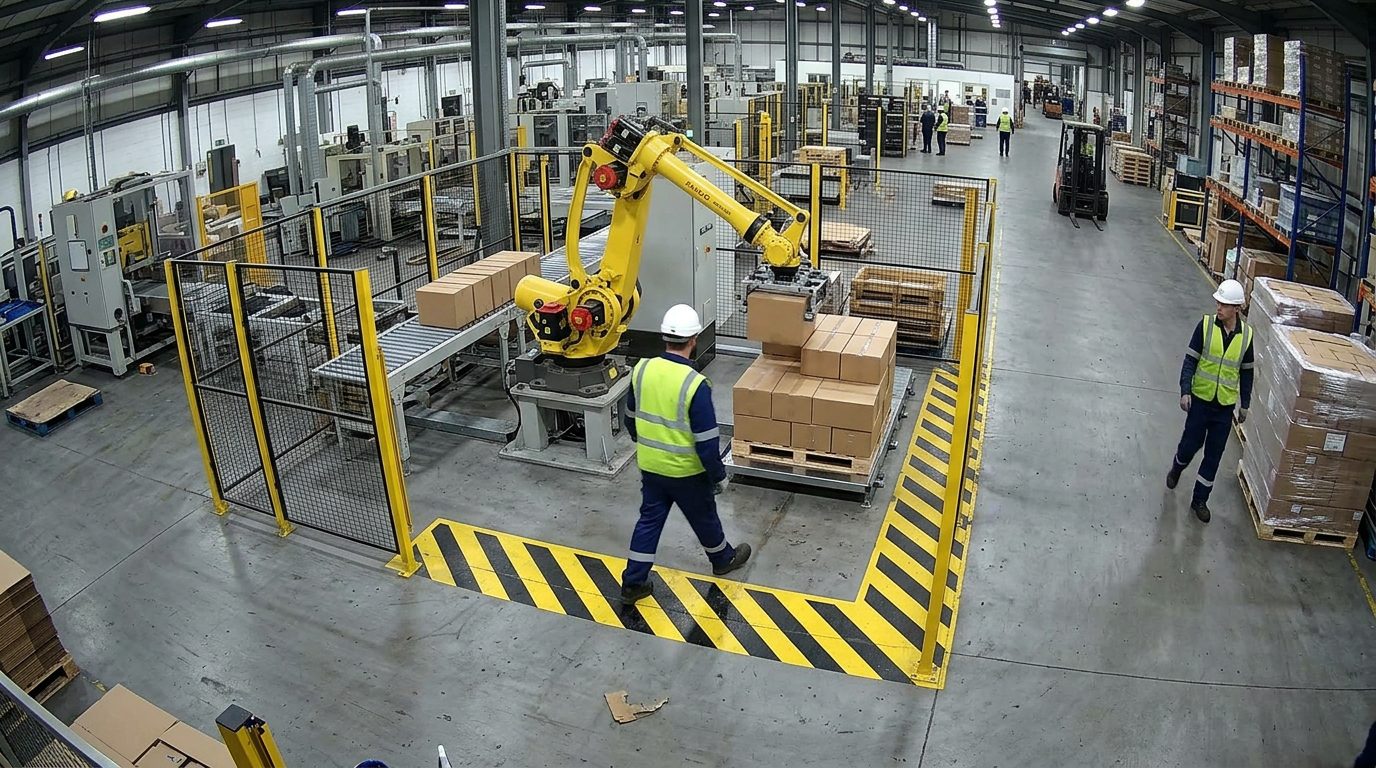
Worker 03 · inside robot cell
Worker 05 · outside
Robot · running
Restricted · robot runningLIVECAM 03 · Palletiser cell
4Zone entries
1Unauthorised
SlowedRobot cell 2
The problem
Why it matters.
Restricted and hazardous areas rely on signs and the occasional patrol. Entries are discovered later, if at all, and nobody knows how long someone was inside.
What Eye4.ai reads
Crossings by line and zonesnapshot at entrytime inside
Where it is used
Perimetersrestricted and hazardous areas
How it works
Set up in four steps.
Self-service, in the browser, on the cameras you already own.
- 01Connect
Use a camera you already have that sees your perimeters. No new hardware.
- 02Set the rule
Draw the zone or line, set who and when it applies to, and how long a stay is acceptable.
- 03Measure
Eye4.ai reads crossings by line and zone, snapshot at entry, time inside, live, on every frame.
- 04Act
Entry into maintenance zone. Lock-out owner notified.
Alerts and results
What your team gets.
Alerts reach the person who can act, with the time, place and frame. Every event is kept for reporting.
Entry into maintenance zoneLock-out owner notified
Dwell over 3 min in aisle 4Team lead notified
Perimeter line crossed after hoursSecurity alerted with the frame
- Every crossing logged with a snapshot
- Time inside measured for each entry
- Patrols directed by evidence, not routine
Related use cases
Often measured on the same cameras.
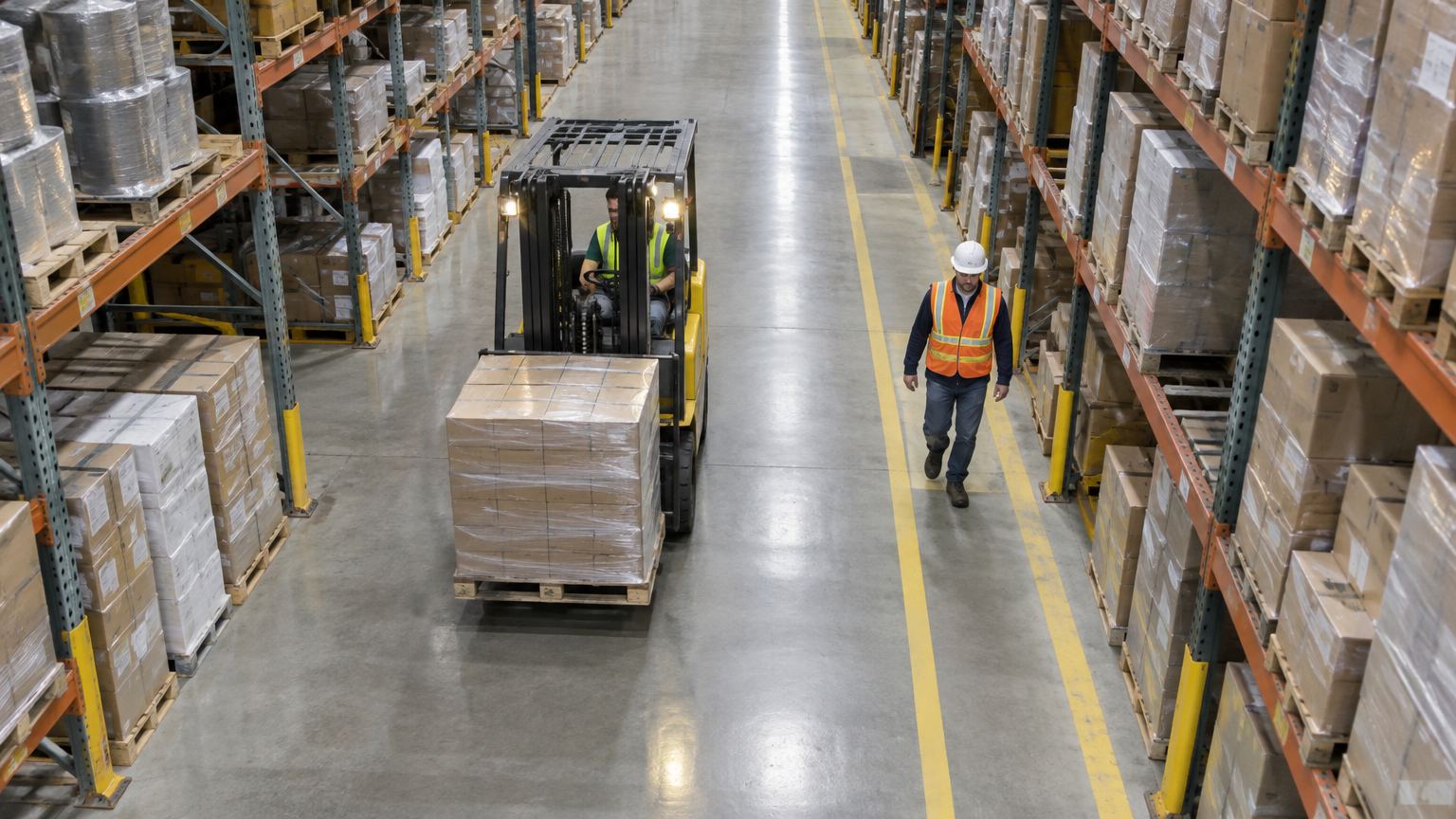
Forklift 01
Worker 02
Gap 0.9 mSafety and securityPerson–vehicle proximityA measured gap in metres, not an eyewitness account.
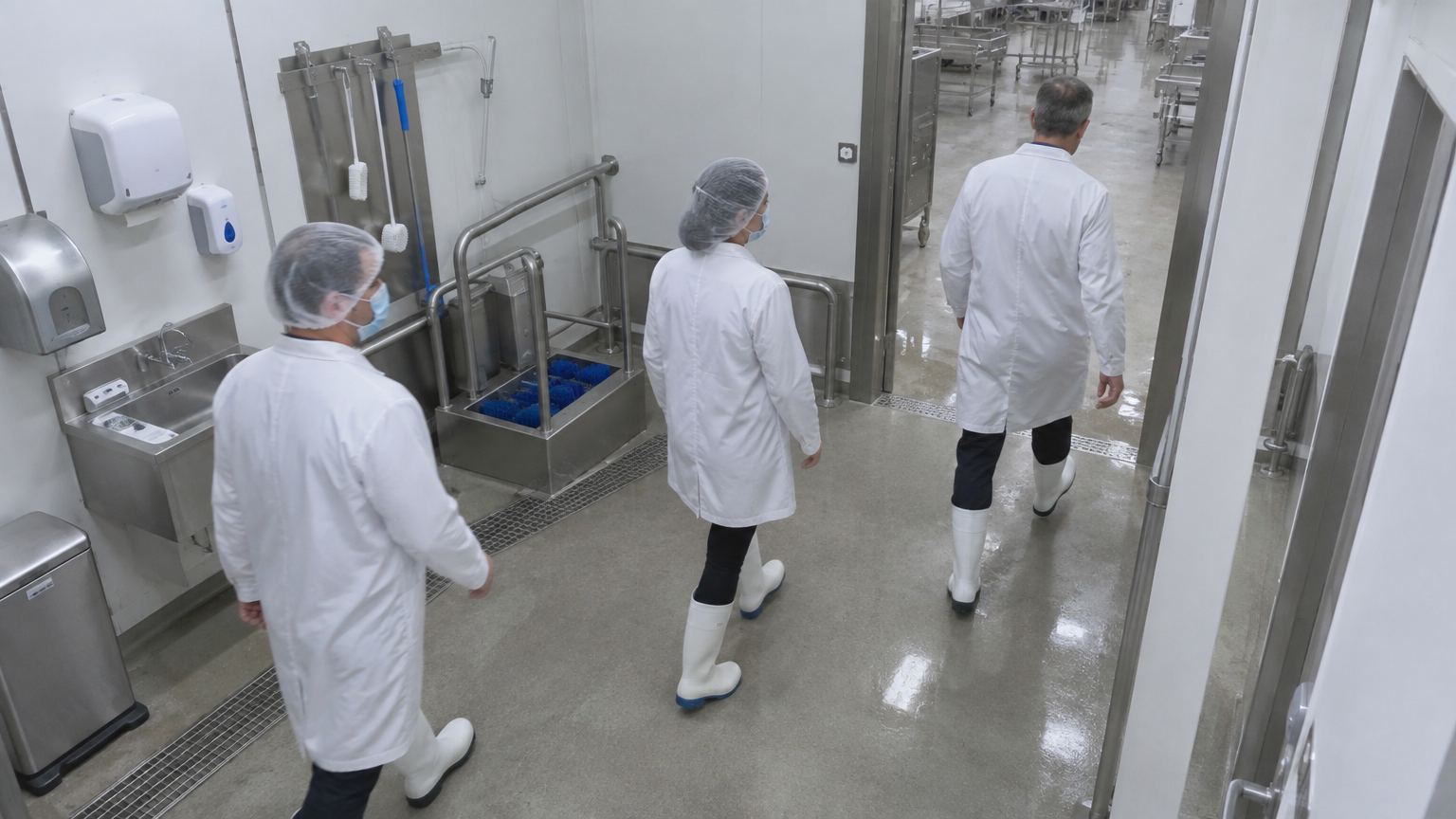
PPE ✓
PPE ✓
No hairnet
Safety and securityPPE and complianceCompliance observed on every shift, not spot-checked.
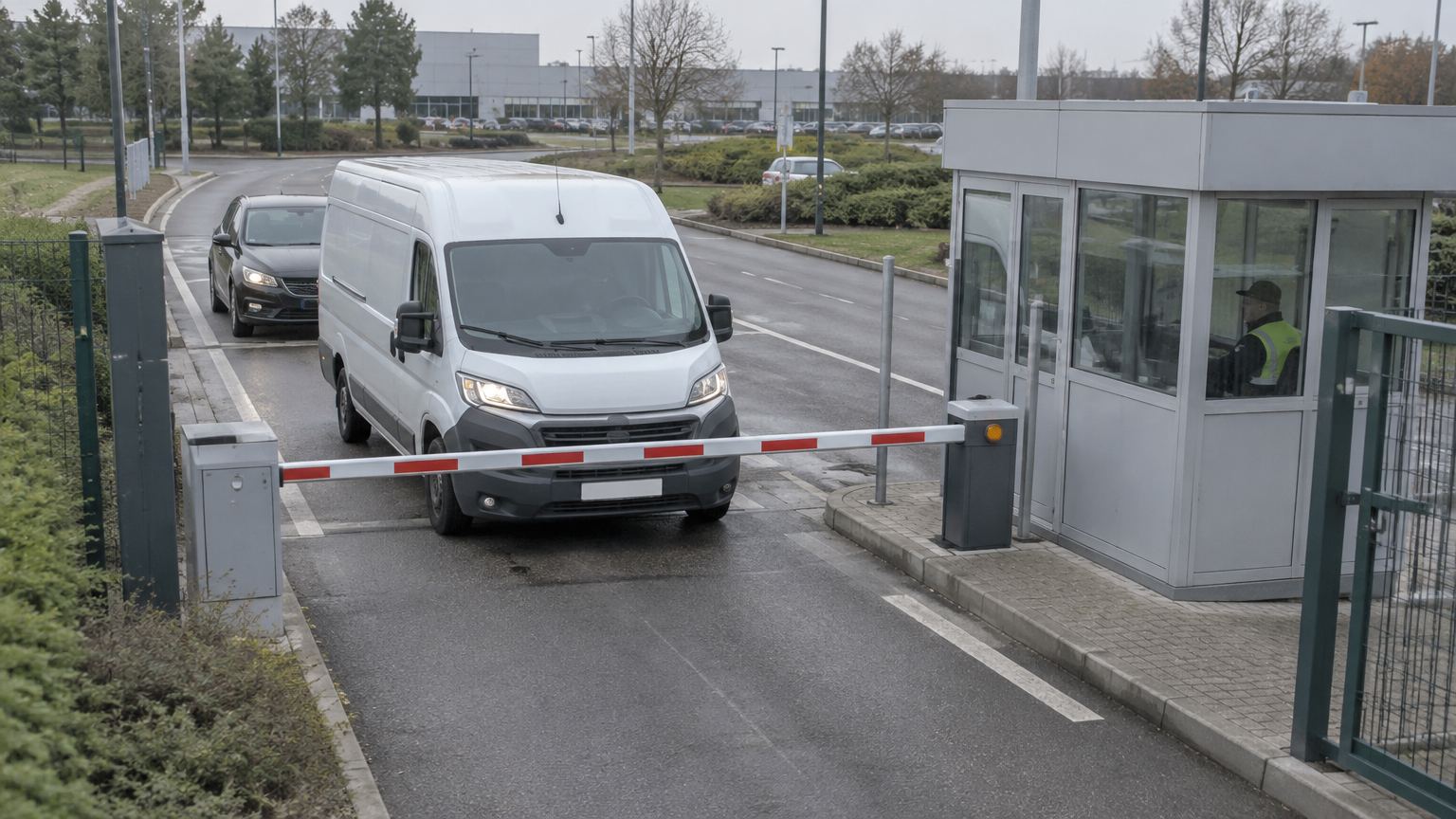
Van · booked 10:20
Plate matched
Queued
Safety and securityPlate recognition and accessKnow every vehicle at every gate.