



Occupancy and density
See how full every space is, as it fills. Spaces fill faster than anyone can count.
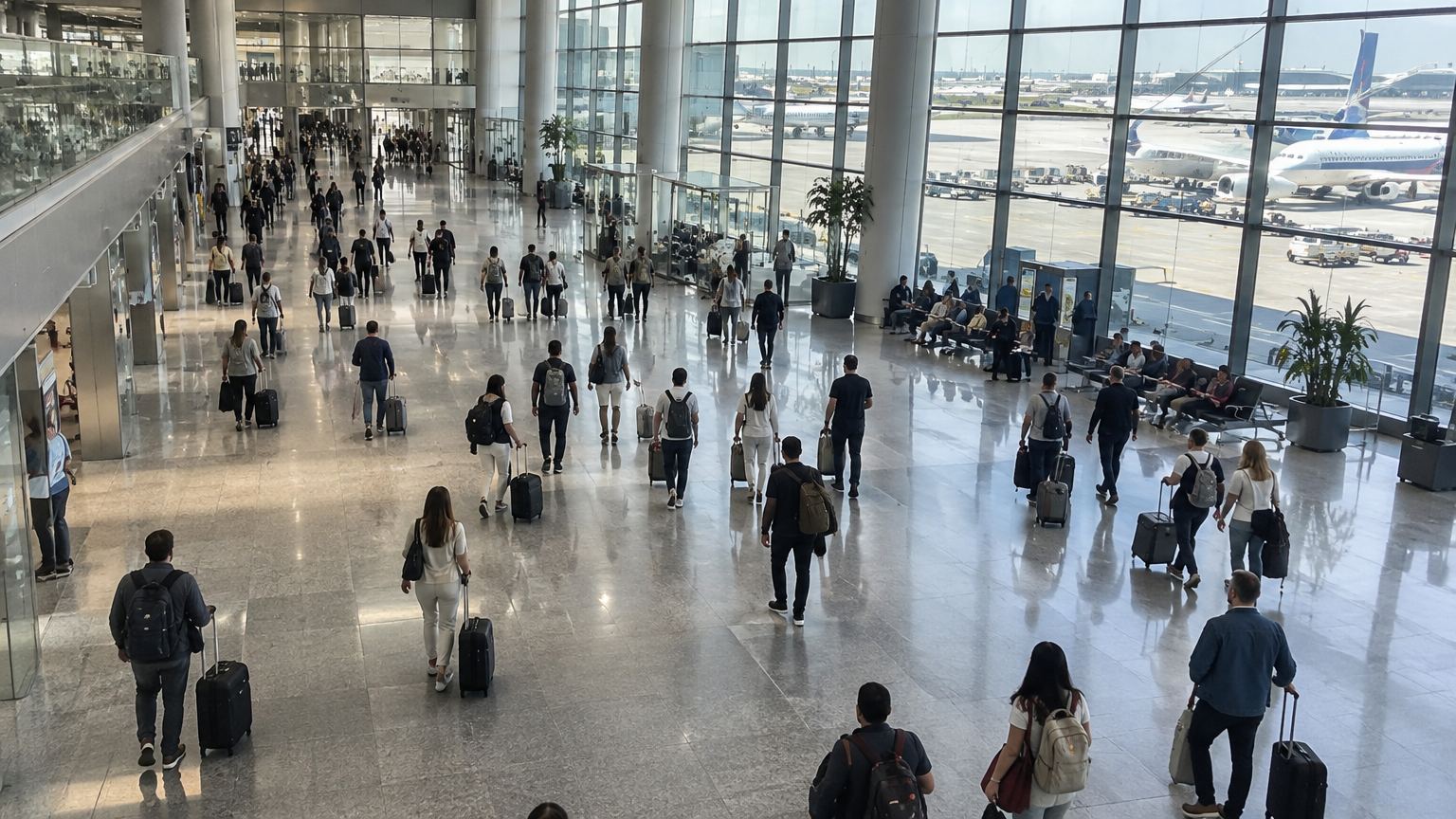
Zone A · 82% fullSeating · 41%
LIVECAM 06 · Departure hall
146People in hall
82%Zone A
13:10Peak today
The problem
Why it matters.
Spaces fill faster than anyone can count. Teams guess how full a hall, platform or waiting area is, and only find out it was over capacity after the fact.
What Eye4.ai reads
People or objects per zonedensity over timeheatmaps
Where it is used
Hallsplatformscollection pointswaiting areas
How it works
Set up in four steps.
Self-service, in the browser, on the cameras you already own.
- 01Connect
Use a camera you already have that sees your halls. No new hardware.
- 02Set the rule
Outline each space and set its safe or comfortable capacity. Count lines can be added at doors for footfall.
- 03Measure
Eye4.ai reads people or objects per zone, density over time, heatmaps, live, on every frame.
- 04Act
Zone A at 82% of capacity. Floor team asked to redirect arrivals.
Alerts and results
What your team gets.
Alerts reach the person who can act, with the time, place and frame. Every event is kept for reporting.
Zone A at 82% of capacityFloor team asked to redirect arrivals
Hall over capacity for 5 minEscalated to the operations lead
Seating under 20% usedSpace flagged for the planner
- Live fill level for every space you care about
- Heatmaps that show where people actually go
- Capacity and layout decisions backed by counts
Related use cases
Often measured on the same cameras.
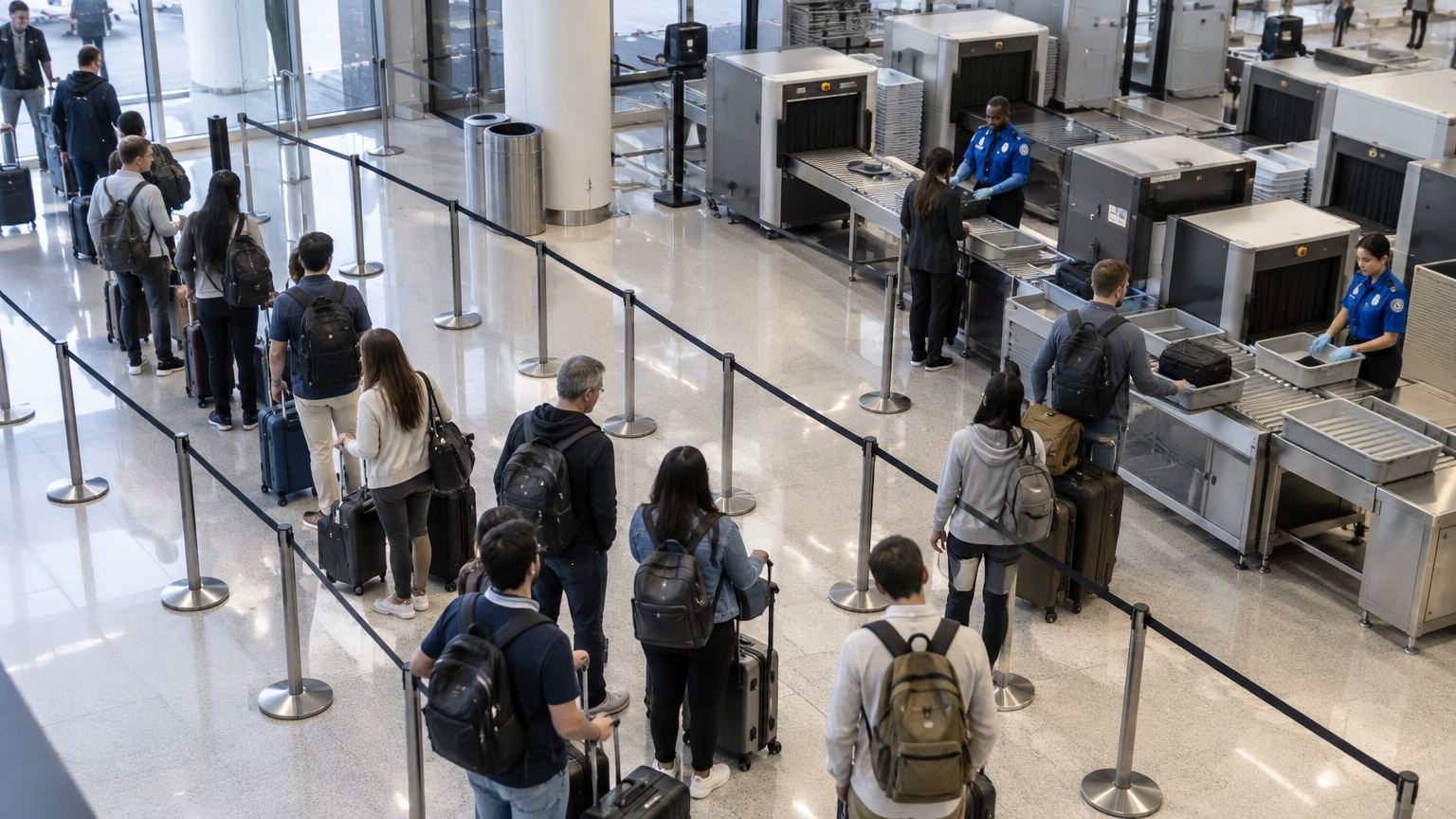
Wait 03:12
Wait 04:05
Wait 05:20
Wait 06:41
Officer
Flow and throughputQueue and wait timeKnow the wait before anyone complains.
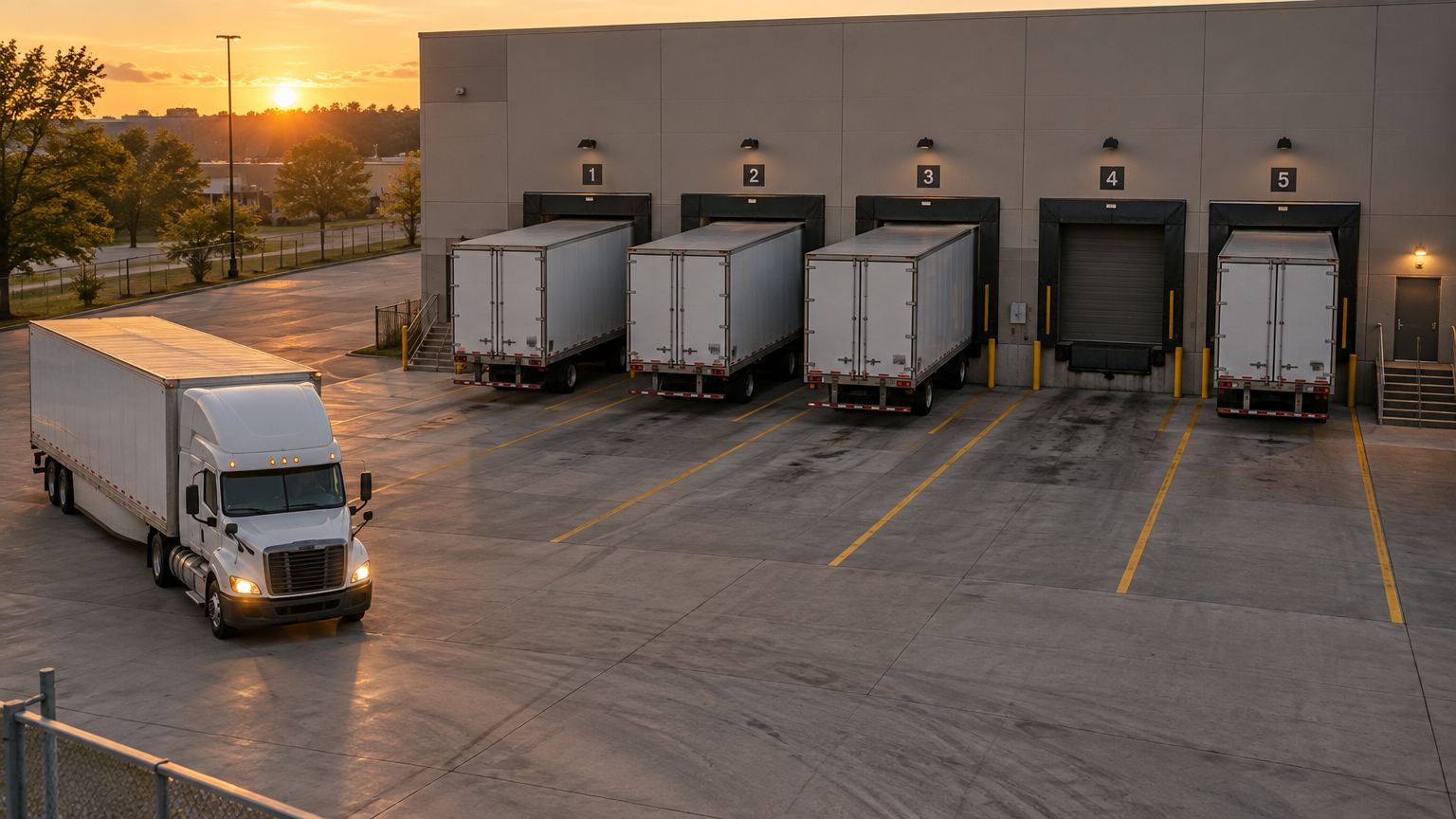
Bay 1 · 46 min
Bay 2 · 1 h 12
Bay 3 · 3 h 05
Bay 5 · 18 min
Waiting · 12 min
Bay 4 · freeFlow and throughputVehicle dwell and bay occupancyClear overstays and free bays faster.
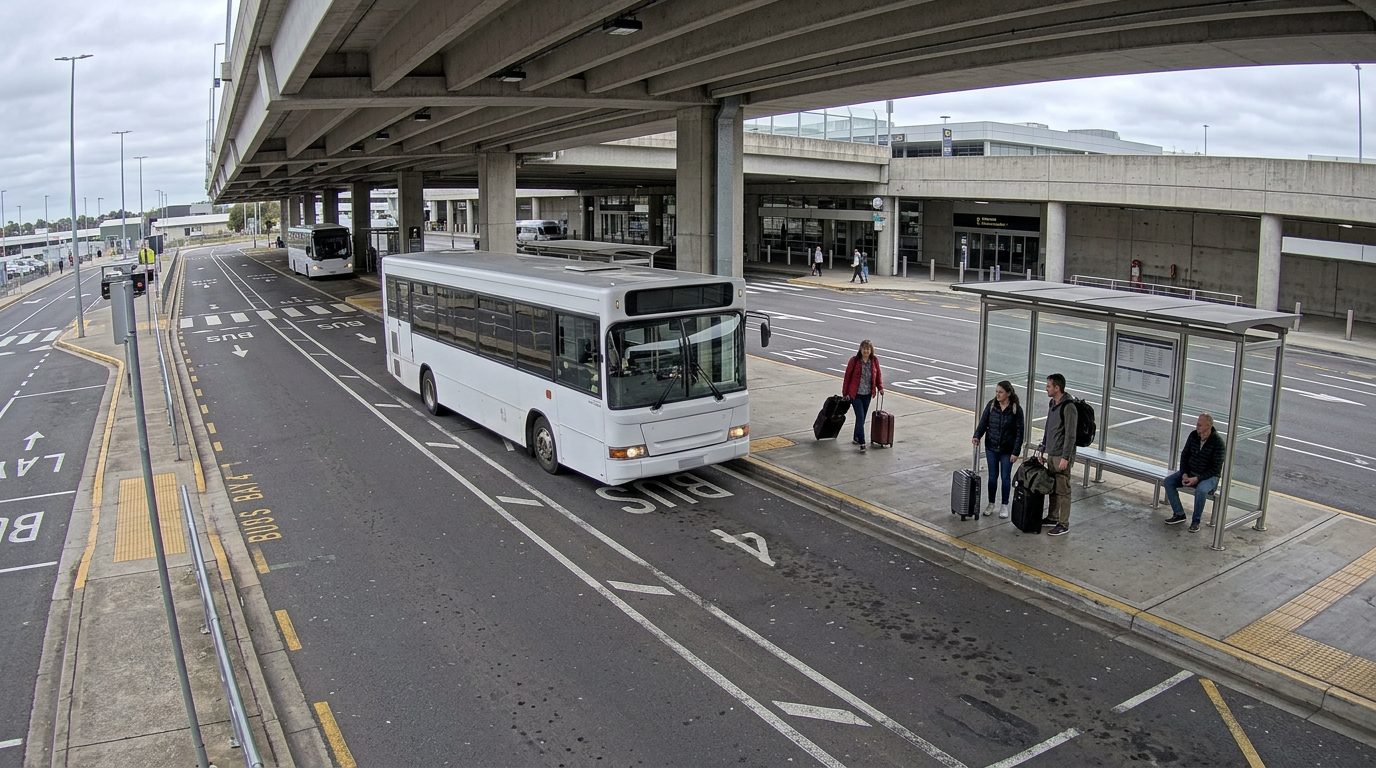
Shuttle 07 · arrived 10:24
Flow and throughputScheduled service arrivalConfirm every arrival, even where GPS can’t.