



Vehicle dwell and bay occupancy
Clear overstays and free bays faster. Docks and yards run on radio calls and guesswork.
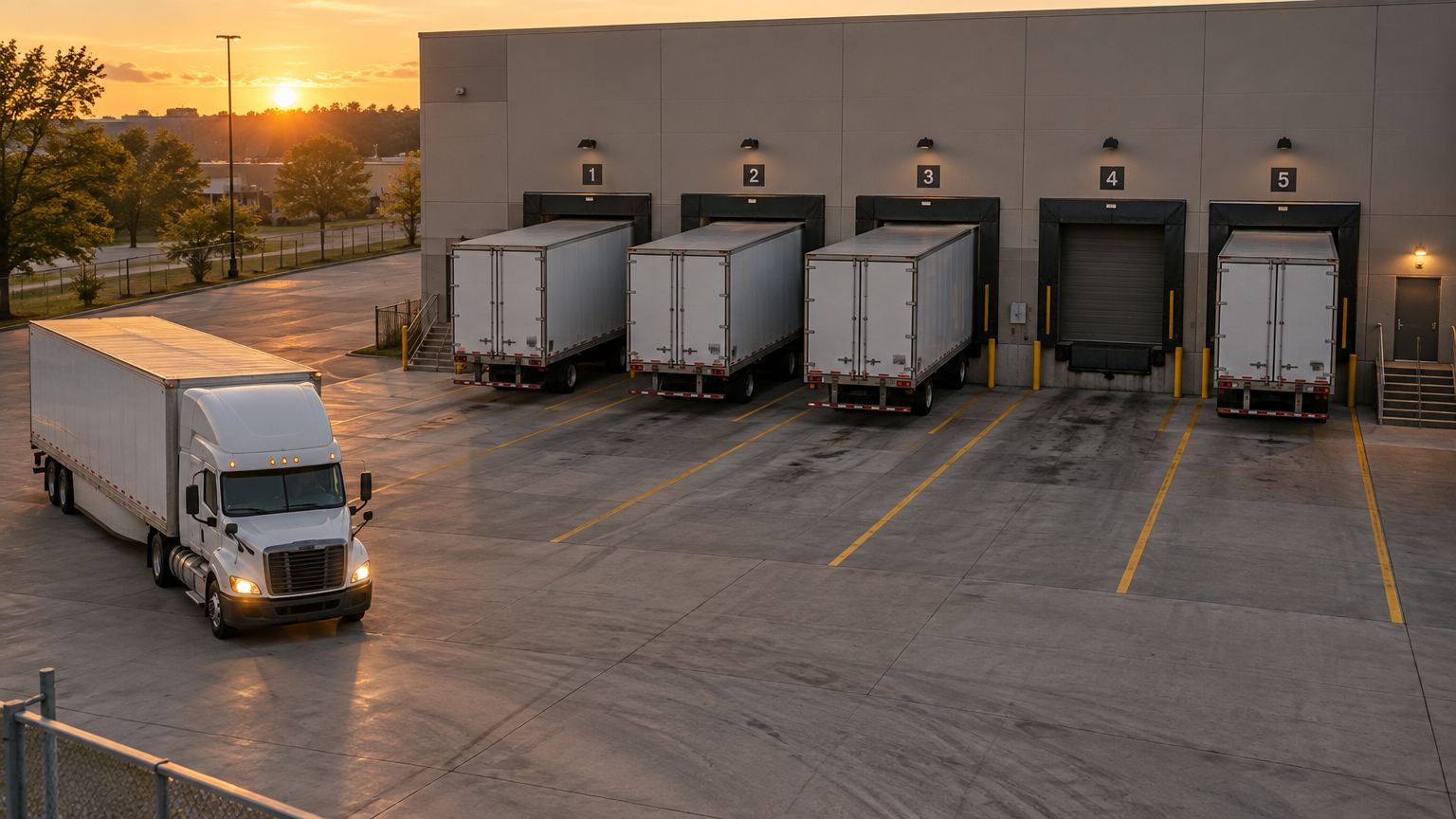
Bay 1 · 46 min
Bay 2 · 1 h 12
Bay 3 · 3 h 05
Bay 5 · 18 min
Waiting · 12 min
Bay 4 · freeLIVECAM 15 · Dock apron
1 / 5Bays free
3 h 05Longest dwell
1 truckWaiting
The problem
Why it matters.
Docks and yards run on radio calls and guesswork. A bay sits free while a truck waits outside, and an overstay is found hours later.
What Eye4.ai reads
Arrivalsdwell per bayoverstayscounts by vehicle type
Where it is used
Loading dockskerbsyardsdepots
How it works
Set up in four steps.
Self-service, in the browser, on the cameras you already own.
- 01Connect
Use a camera you already have that sees your loading docks. No new hardware.
- 02Set the rule
Mark each bay or kerb space and set the dwell you allow per vehicle type.
- 03Measure
Eye4.ai reads arrivals, dwell per bay, overstays, counts by vehicle type, live, on every frame.
- 04Act
Bay 4 free · truck waiting 12 min. Waiting truck assigned to bay 4.
Alerts and results
What your team gets.
Alerts reach the person who can act, with the time, place and frame. Every event is kept for reporting.
Bay 4 free · truck waiting 12 minWaiting truck assigned to bay 4
Bay 3 dwell over 3 hYard manager alerted
Kerb overstay · 15 minTraffic marshal notified
- Every bay shown free or taken, live
- Dwell time per vehicle, with overstays flagged
- Turn times you can hold carriers to
Related use cases
Often measured on the same cameras.
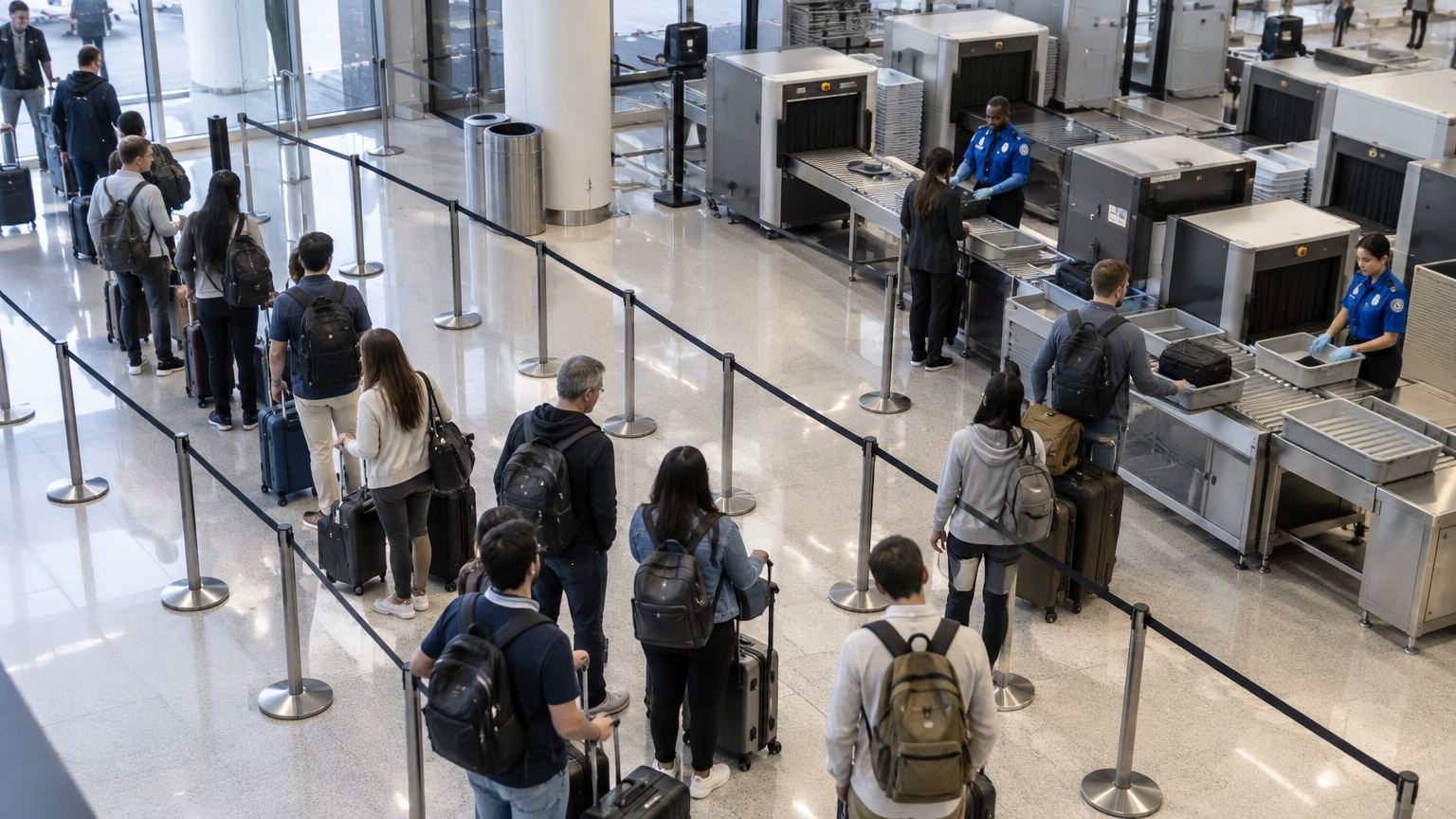
Wait 03:12
Wait 04:05
Wait 05:20
Wait 06:41
Officer
Flow and throughputQueue and wait timeKnow the wait before anyone complains.
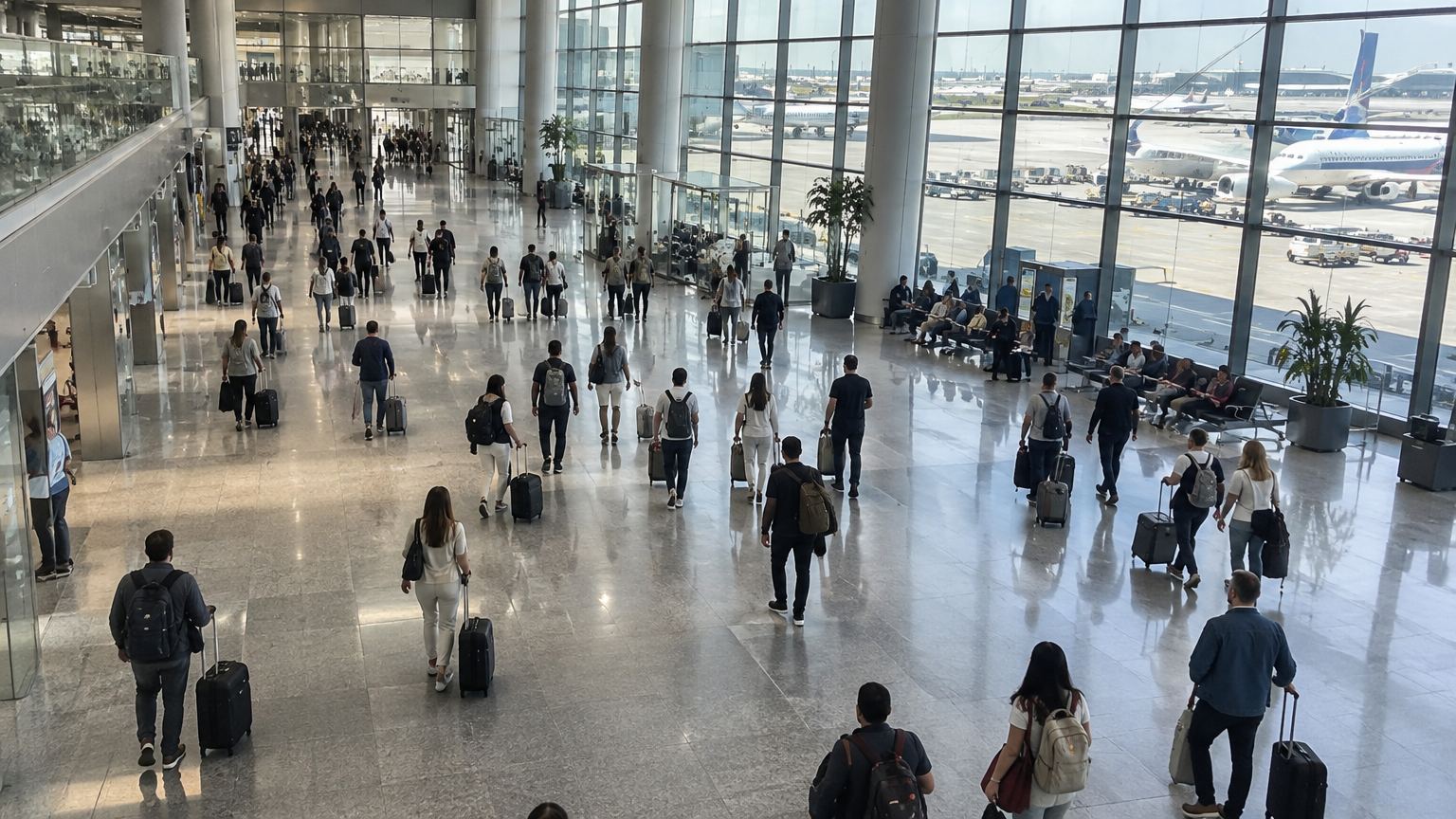
Zone A · 82% fullSeating · 41%
Flow and throughputOccupancy and densitySee how full every space is, as it fills.
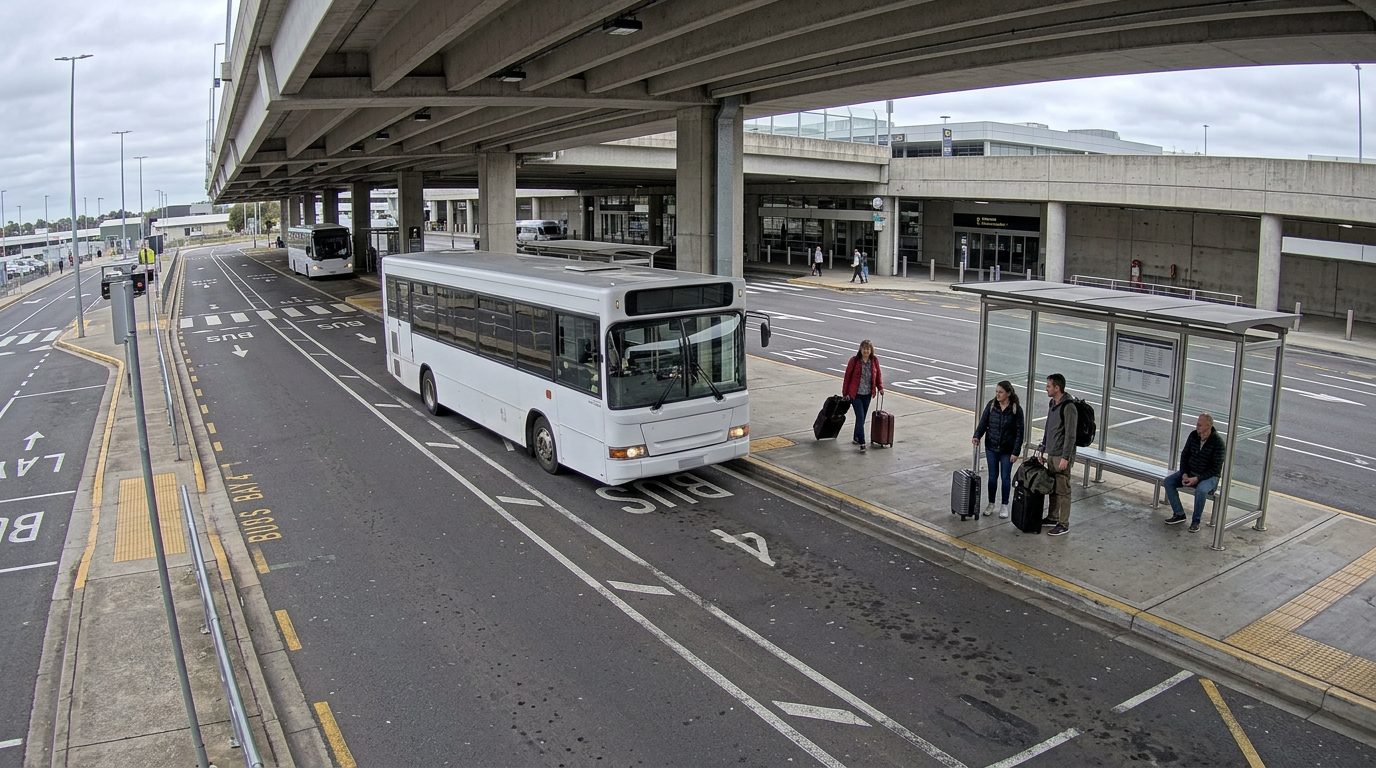
Shuttle 07 · arrived 10:24
Flow and throughputScheduled service arrivalConfirm every arrival, even where GPS can’t.