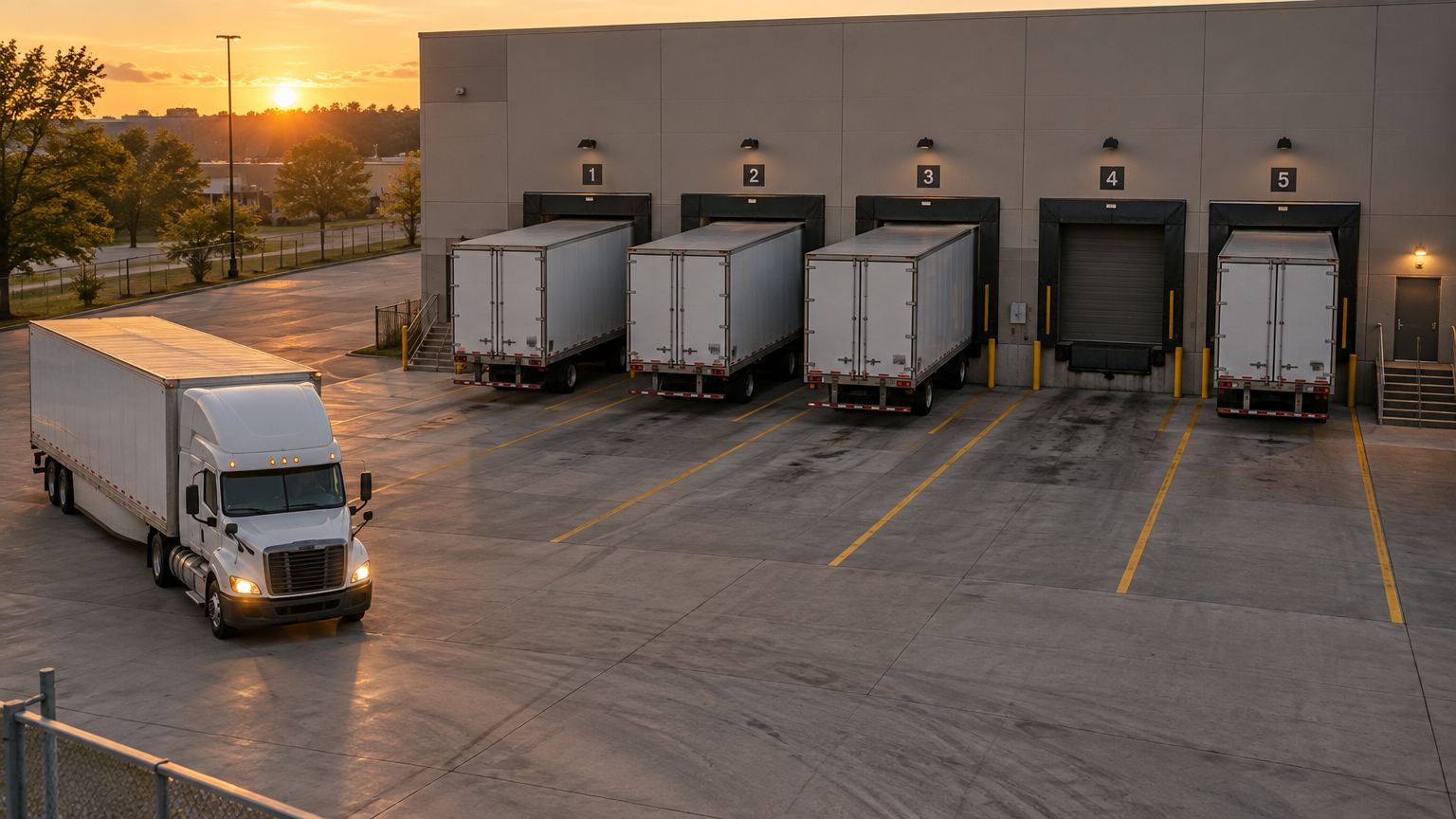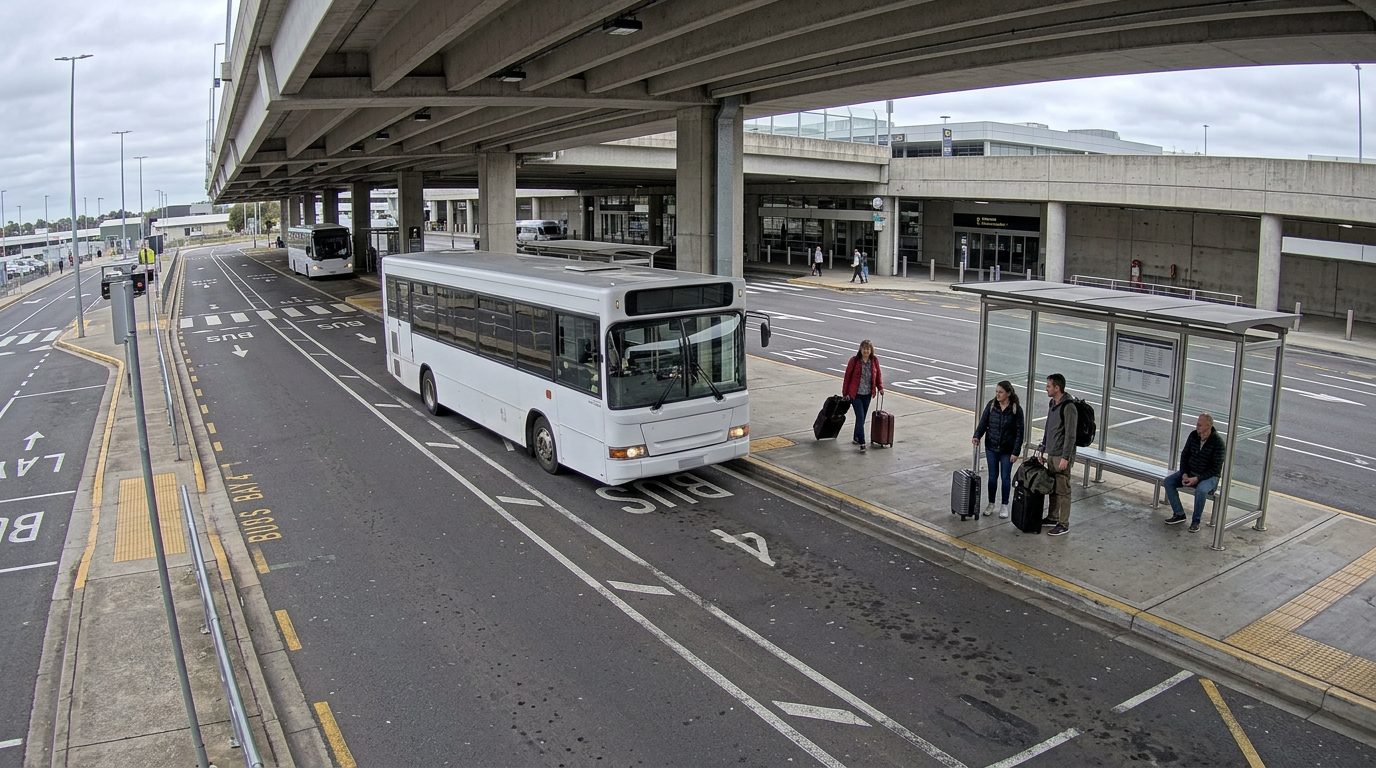



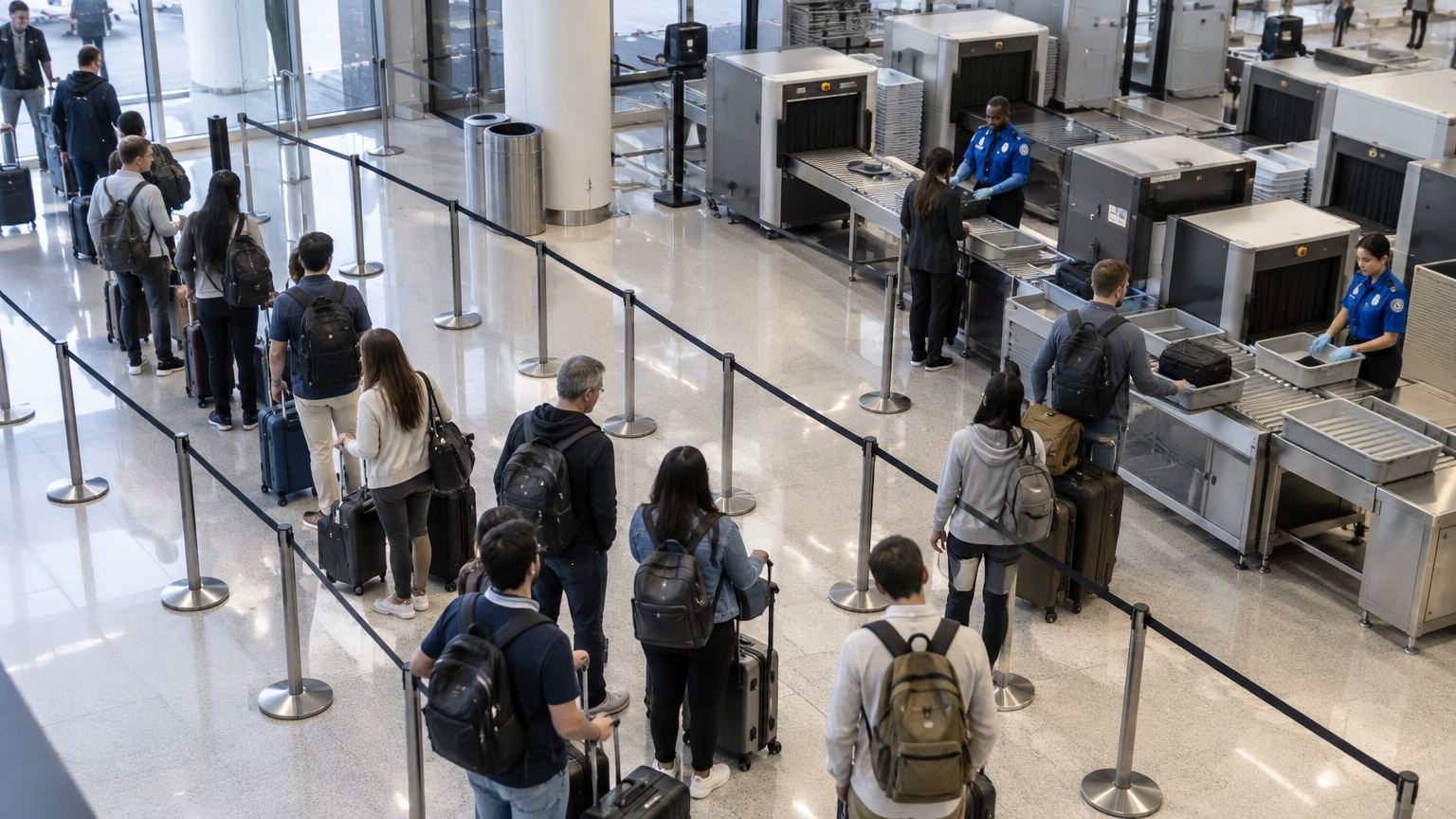
Queue and wait time
Know the wait before anyone complains. Queues are noticed when someone complains.
Why it matters.
Queues are noticed when someone complains. By then the line is long, staff are reacting, and nobody knows how long people actually waited or when it started to build.
What Eye4.ai reads
Where it is used
Set up in four steps.
Self-service, in the browser, on the cameras you already own.
- 01Connect
Use a camera you already have that sees your checkpoints. No new hardware.
- 02Set the rule
Draw the queue zone and the point where people are served. Set the wait you will accept, for example five minutes.
- 03Measure
Eye4.ai reads people in queue, join-to-clear wait, lane throughput, peak hour, live, on every frame.
- 04Act
Wait over 5 min · lane 2. Duty manager asked to open lane 3.
What your team gets.
Alerts reach the person who can act, with the time, place and frame. Every event is kept for reporting.
- Lanes opened before the line forms, not after complaints
- True wait time per person, not an estimate at a glance
- Staffing planned against measured peaks by hour and day
Often measured on the same cameras.