



Machine and equipment state
Every stop recorded, whether or not anyone was watching. Short stops are rarely written down.
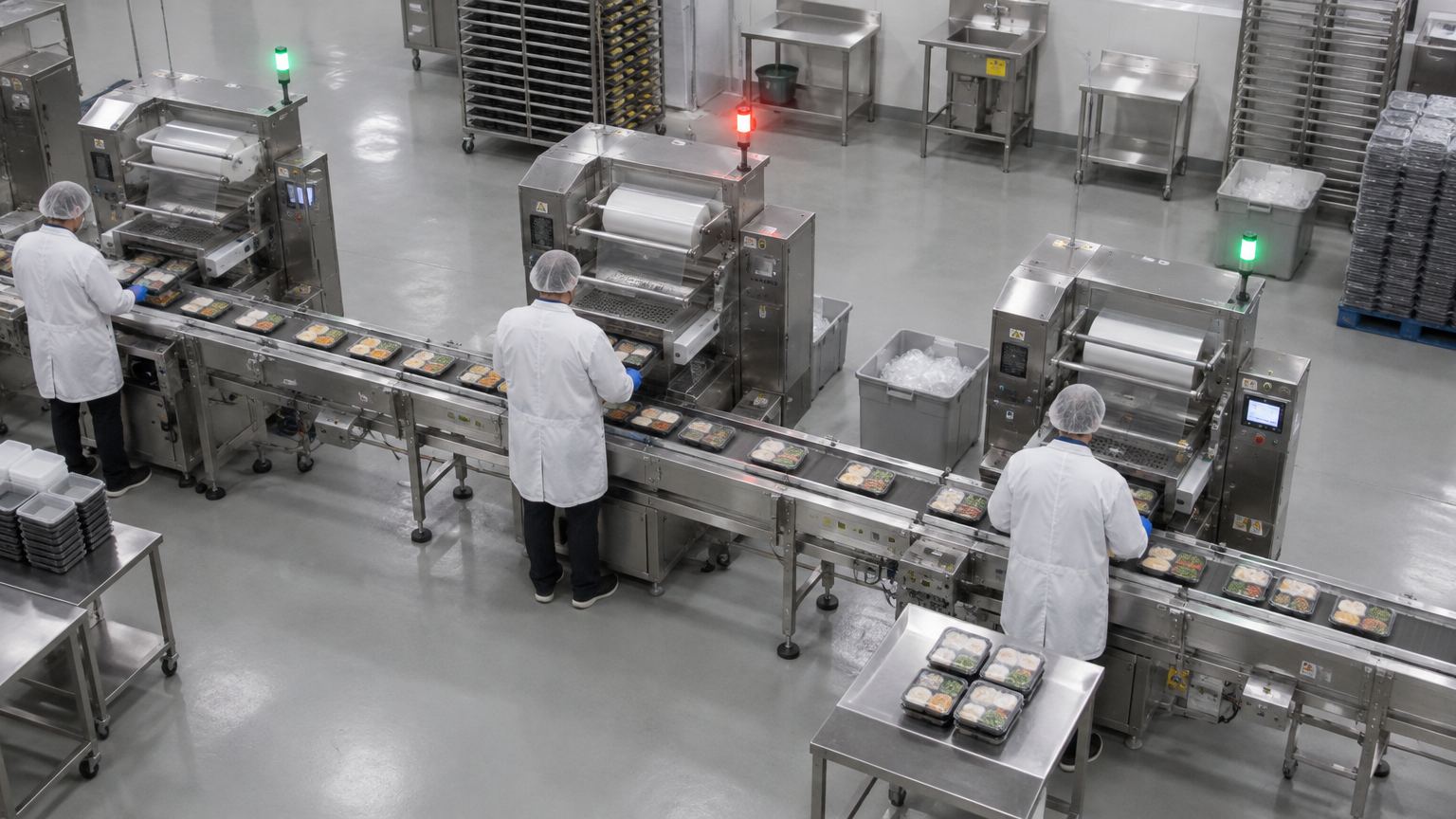
Station 01 · running
Station 02 · stopped 2:14
Station 03 · running
LIVECAM 07 · Pack line 2
2 / 3Running
2:14Stopped for
6Micro-stops
The problem
Why it matters.
Short stops are rarely written down. A line looks busy, OEE is estimated at the end of the shift, and the minutes lost to micro-stops never show up anywhere.
What Eye4.ai reads
Loadedidle or stoppedruntimestop durationmicro-stops
Where it is used
Production linesconveyorsfixed equipment
How it works
Set up in four steps.
Self-service, in the browser, on the cameras you already own.
- 01Connect
Use a camera you already have that sees your production lines. No new hardware.
- 02Set the rule
Point a camera at the station or its stack light and define what running, idle and stopped look like.
- 03Measure
Eye4.ai reads loaded, idle or stopped; runtime; stop duration; micro-stops, live, on every frame.
- 04Act
Station 02 stopped · 2:14. Shift lead notified.
Alerts and results
What your team gets.
Alerts reach the person who can act, with the time, place and frame. Every event is kept for reporting.
Station 02 stopped · 2:14Shift lead notified
Six micro-stops in 30 minMaintenance asked to inspect
Line idle at shift startStart-up delay logged
- Every stop recorded with its duration and frame
- Runtime and availability per station, per shift
- Micro-stops counted, not forgotten
Related use cases
Often measured on the same cameras.
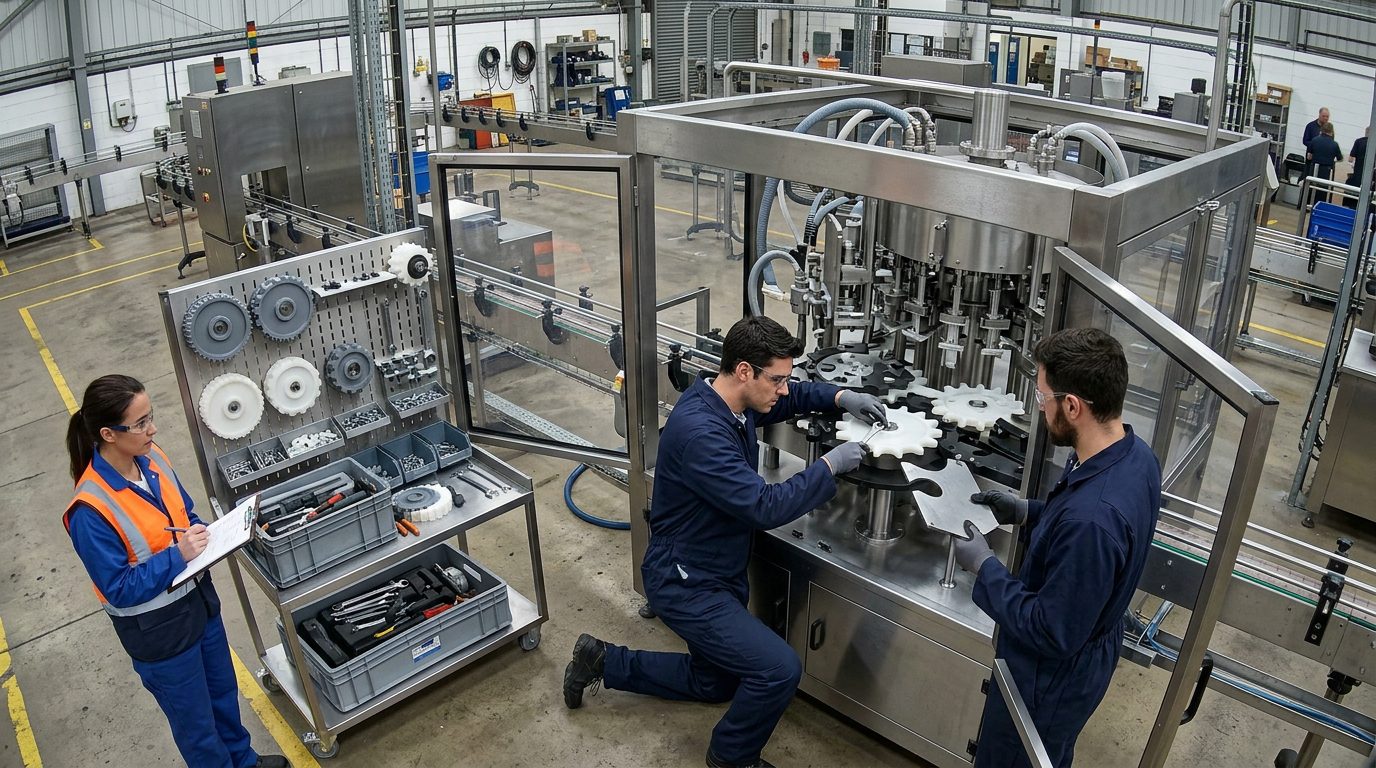
Change parts · fitting
Supervisor
Asset and processProcess milestonesEvery step timestamped and reconciled with your record.
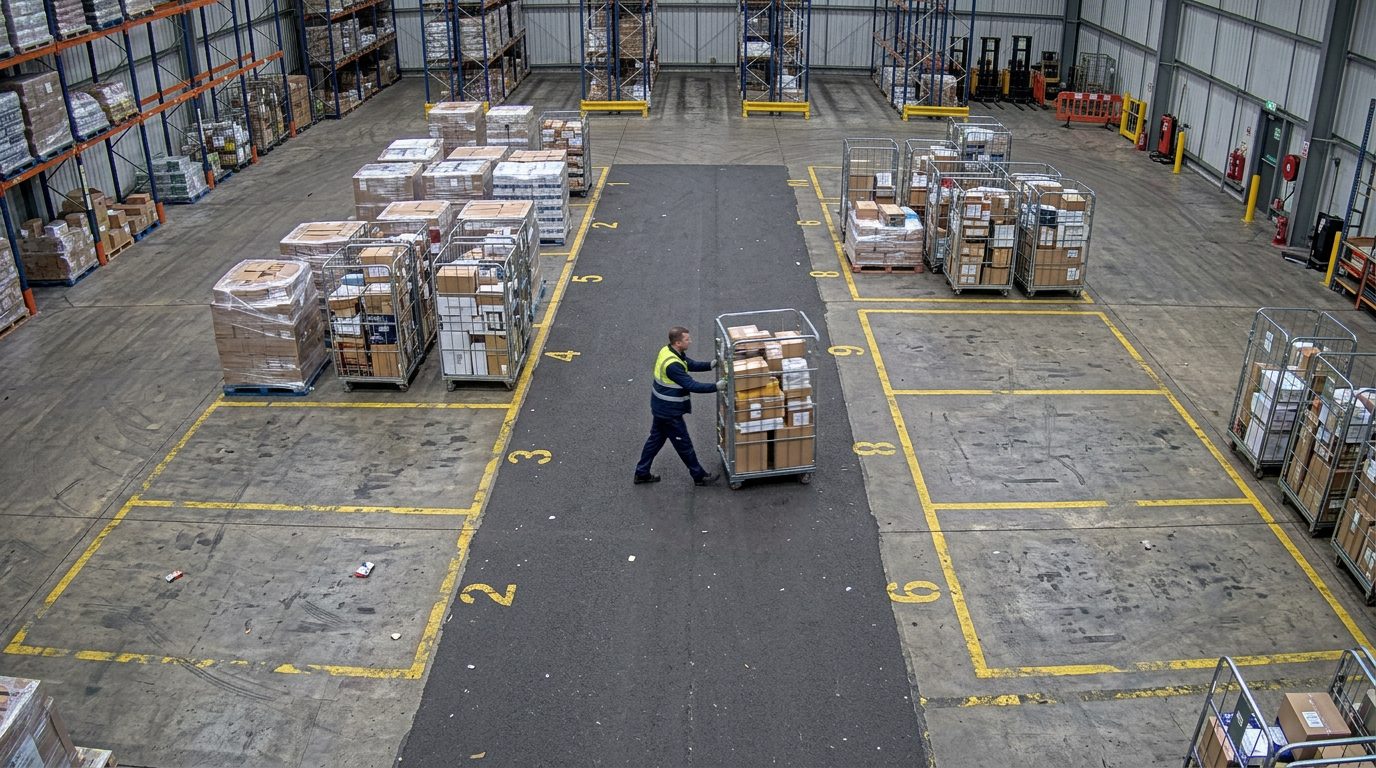
Pallet A-112 · 2 d 04 h
Bay 9 · 6 h
Cage R-207 · to dock 2
Asset and processAsset tracking and dwellKnow where assets are and how long they’ve sat.

Wait 03:12
Wait 04:05
Wait 05:20
Wait 06:41
Officer
Flow and throughputQueue and wait timeKnow the wait before anyone complains.