



Asset tracking and dwell
Know where assets are and how long they’ve sat. Pallets, carts and containers go missing in plain sight.
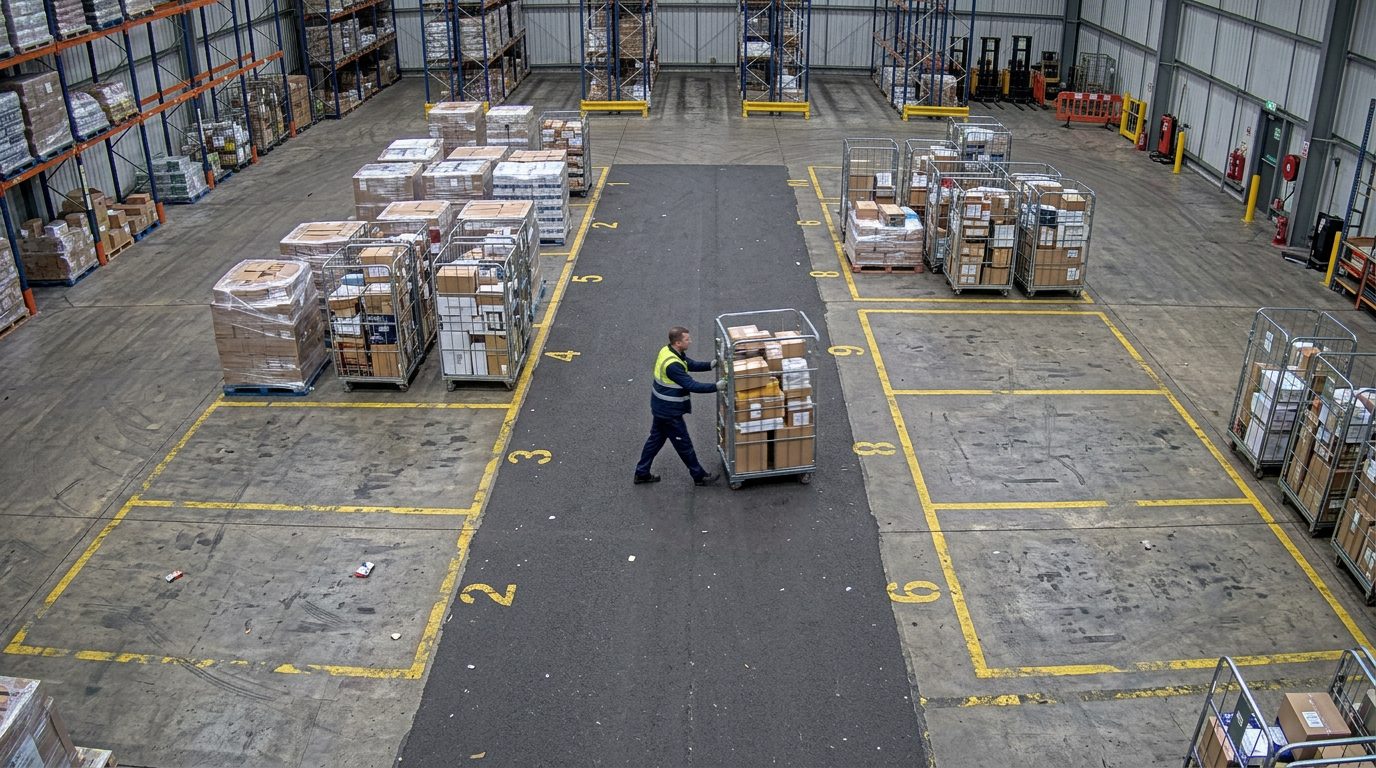
Pallet A-112 · 2 d 04 h
Cage R-118 · 9 h
Bay 9 · 4 cages · 6 h
Cage R-207 · to dock 2
Bay 8 · freeLIVECAM 12 · Staging, bays 1–9
312Assets tracked
7Over 48 h
54Moved today
The problem
Why it matters.
Pallets, carts and containers go missing in plain sight. Stock sits too long in a cold store or staging area, and searches start only when something is urgent.
What Eye4.ai reads
Asset IDlocationentry and exitdwell time
Where it is used
Storage areascold storeswarehouses
How it works
Set up in four steps.
Self-service, in the browser, on the cameras you already own.
- 01Connect
Use a camera you already have that sees your storage areas. No new hardware.
- 02Set the rule
Mark storage and staging areas and set the dwell allowed for each asset type.
- 03Measure
Eye4.ai reads asset ID, location, entry and exit, dwell time, live, on every frame.
- 04Act
Pallet A-112 · 2 days 4 h in staging. Stock controller notified.
Alerts and results
What your team gets.
Alerts reach the person who can act, with the time, place and frame. Every event is kept for reporting.
Pallet A-112 · 2 days 4 h in stagingStock controller notified
Asset left the cold storeMovement logged with the frame
Staging area fullDispatch asked to clear
- Where each asset is, and how long it has sat
- Entry and exit times for every area
- Ageing stock found before it becomes waste
Related use cases
Often measured on the same cameras.
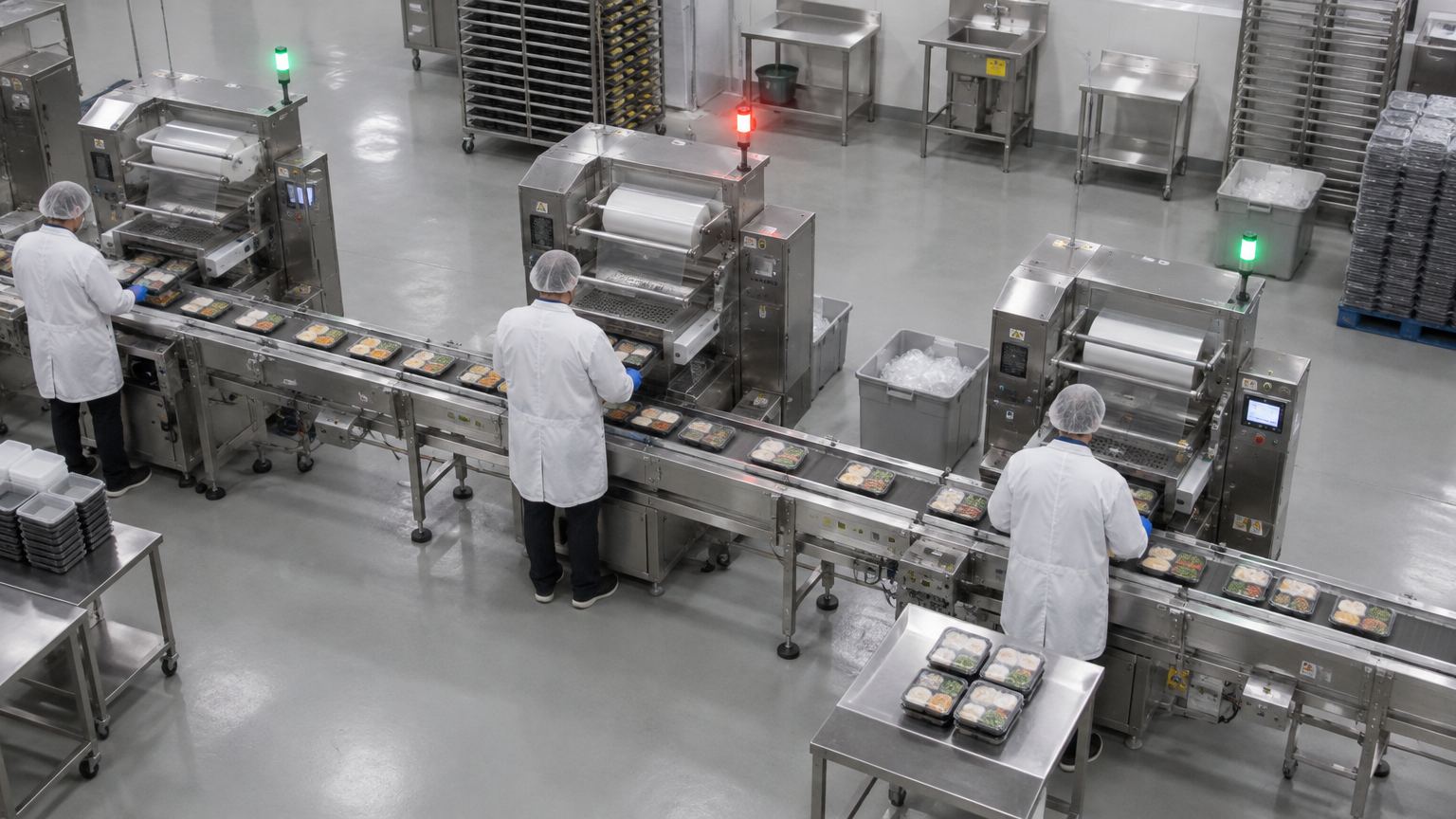
Station 01 · running
Station 02 · stopped 2:14
Station 03 · running
Asset and processMachine and equipment stateEvery stop recorded, whether or not anyone was watching.
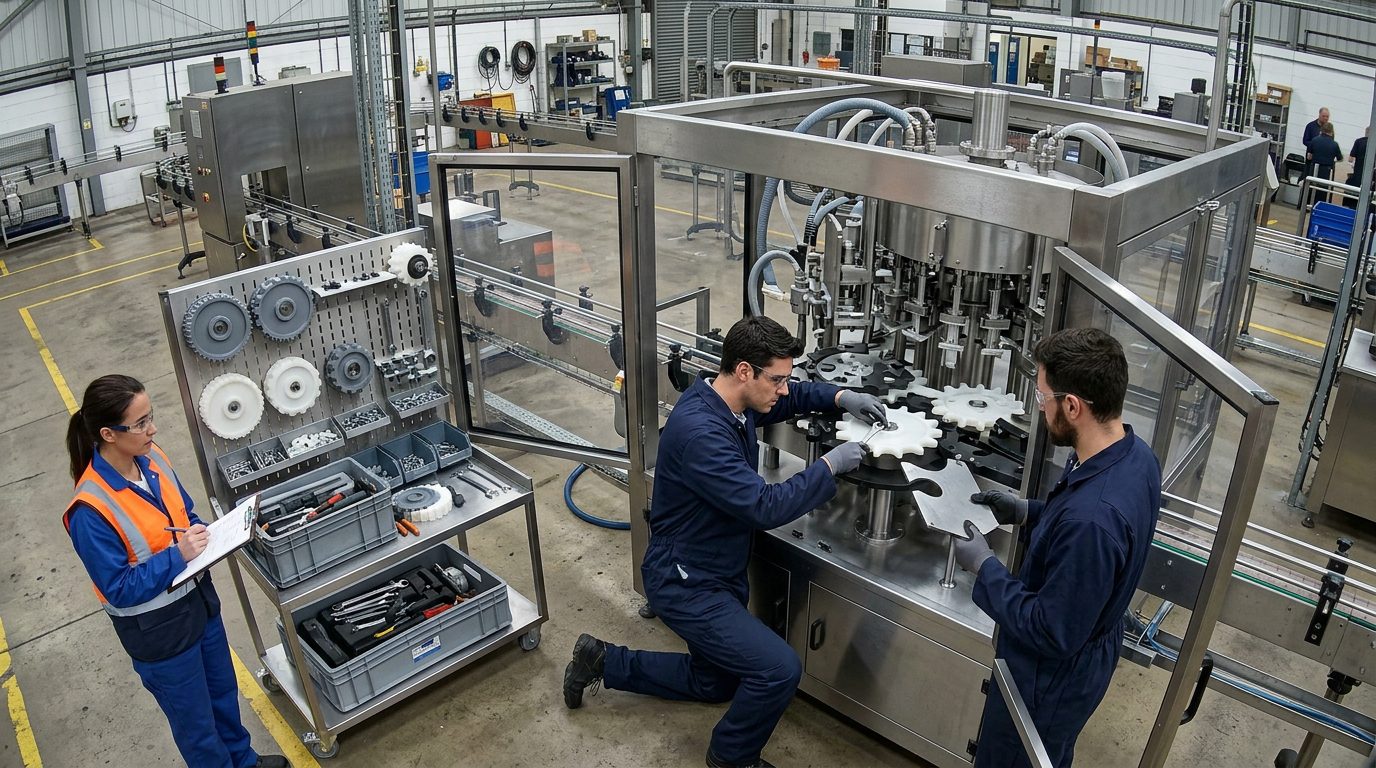
Change parts · fitting
Supervisor
Asset and processProcess milestonesEvery step timestamped and reconciled with your record.
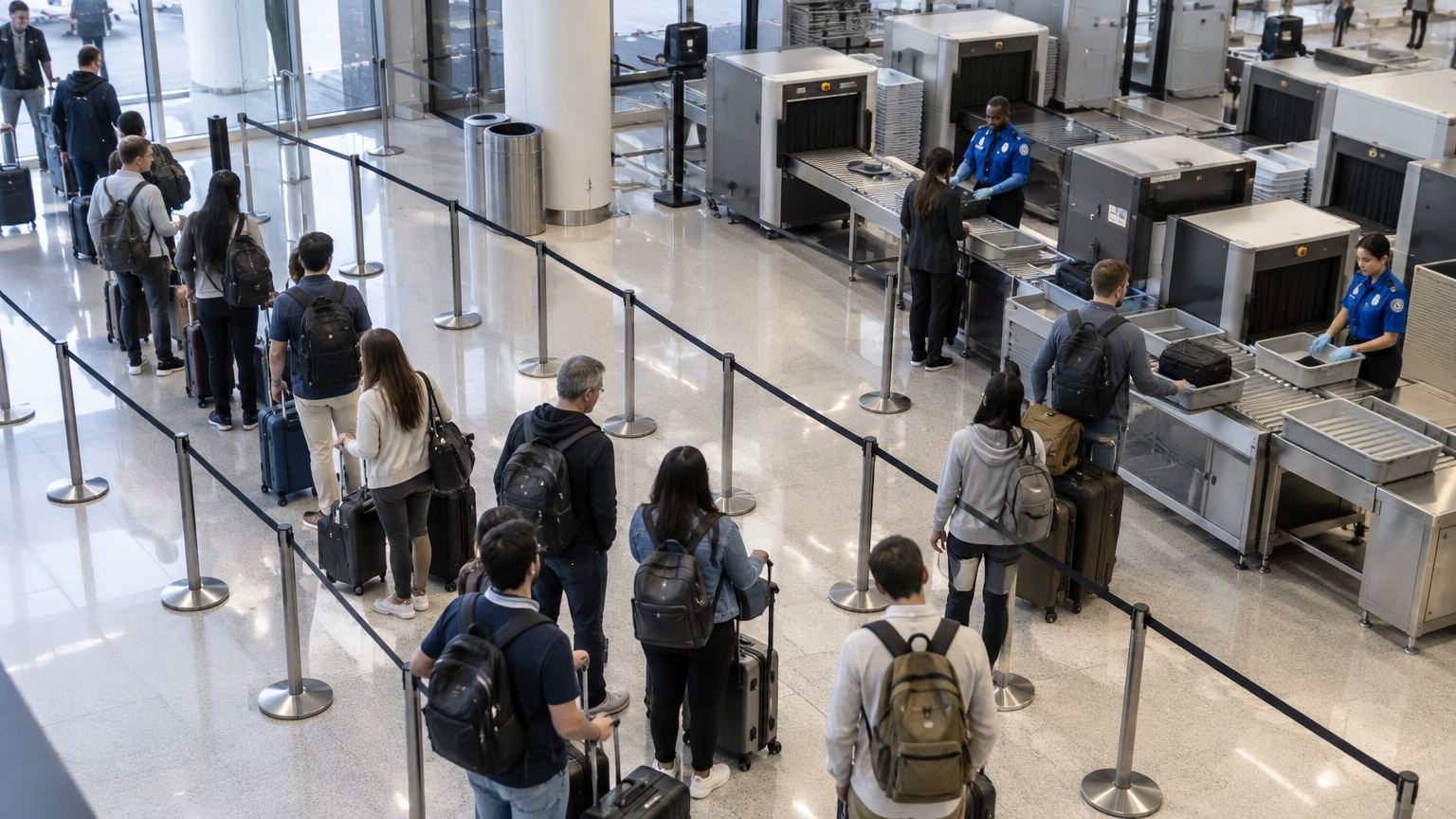
Wait 03:12
Wait 04:05
Wait 05:20
Wait 06:41
Officer
Flow and throughputQueue and wait timeKnow the wait before anyone complains.