



Spill and floor hazard
Flagged at the drop, not the next walk-through. Spills are found when someone slips.
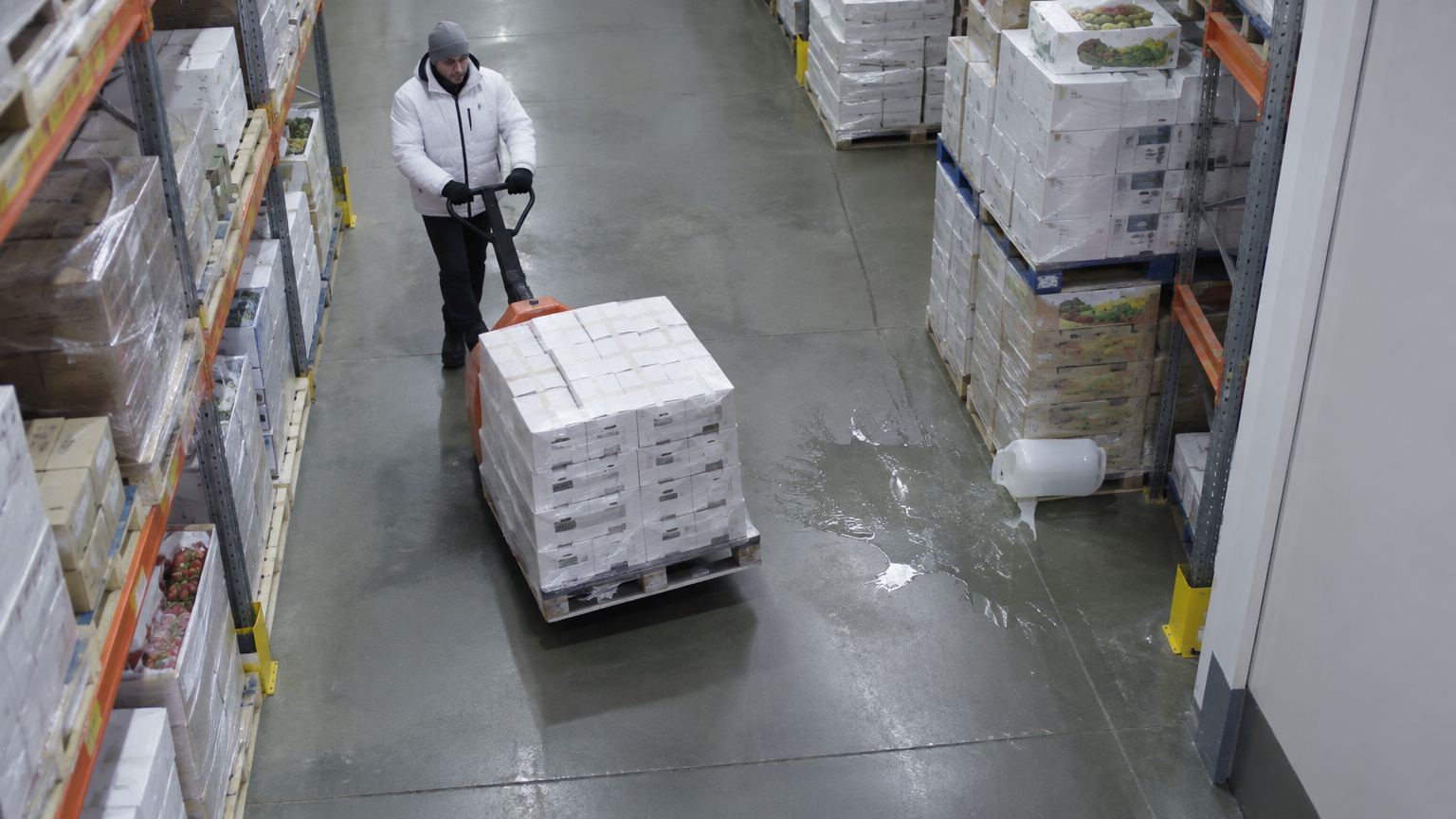
Leaking container
Pallet jack
Spill · 1.6 m²LIVECAM 12 · Cold store, aisle 2
1.6 m²Spill area
10:24:07Detected
DispatchedClean-up
The problem
Why it matters.
Spills are found when someone slips. There is no record of when the spill started, how big it was, or how long it took to clear.
What Eye4.ai reads
Material outside a container boundaryits location and extent
Where it is used
Warehousescold storesprocess floors
How it works
Set up in four steps.
Self-service, in the browser, on the cameras you already own.
- 01Connect
Use a camera you already have that sees your warehouses. No new hardware.
- 02Set the rule
Mark the floor areas to watch and what counts as outside a container boundary.
- 03Measure
Eye4.ai reads material outside a container boundary, its location and extent, live, on every frame.
- 04Act
Spill · 1.6 m² · aisle 2. Clean-up dispatched.
Alerts and results
What your team gets.
Alerts reach the person who can act, with the time, place and frame. Every event is kept for reporting.
Spill · 1.6 m² · aisle 2Clean-up dispatched
Leaking container detectedSource flagged to the stock team
Spill not cleared in 10 minEscalated to the floor manager
- Spills flagged at the drop, with size and location
- Time to clean-up measured for every event
- Repeat locations found and fixed
Related use cases
Often measured on the same cameras.
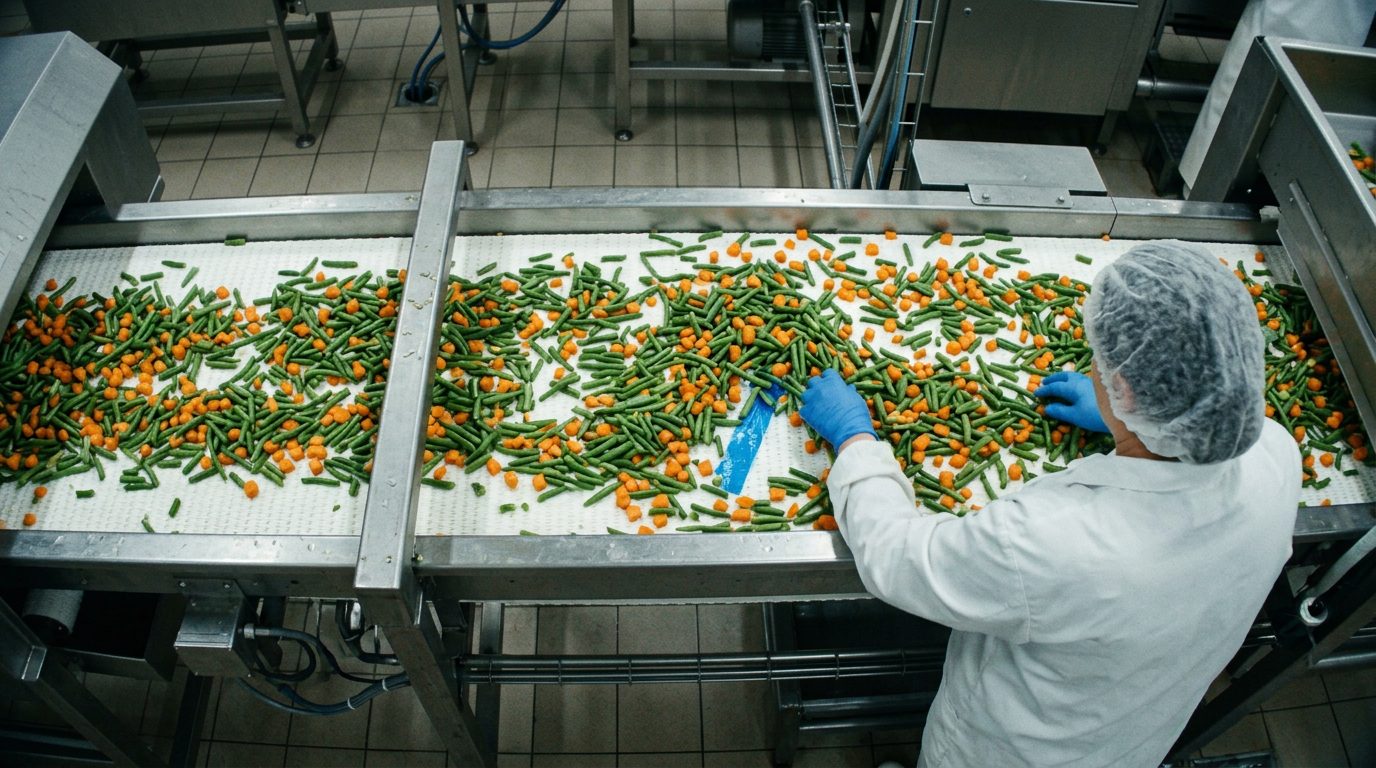
Plastic · 94%
Quality and lossForeign object detectionCatch contamination at the point it enters.
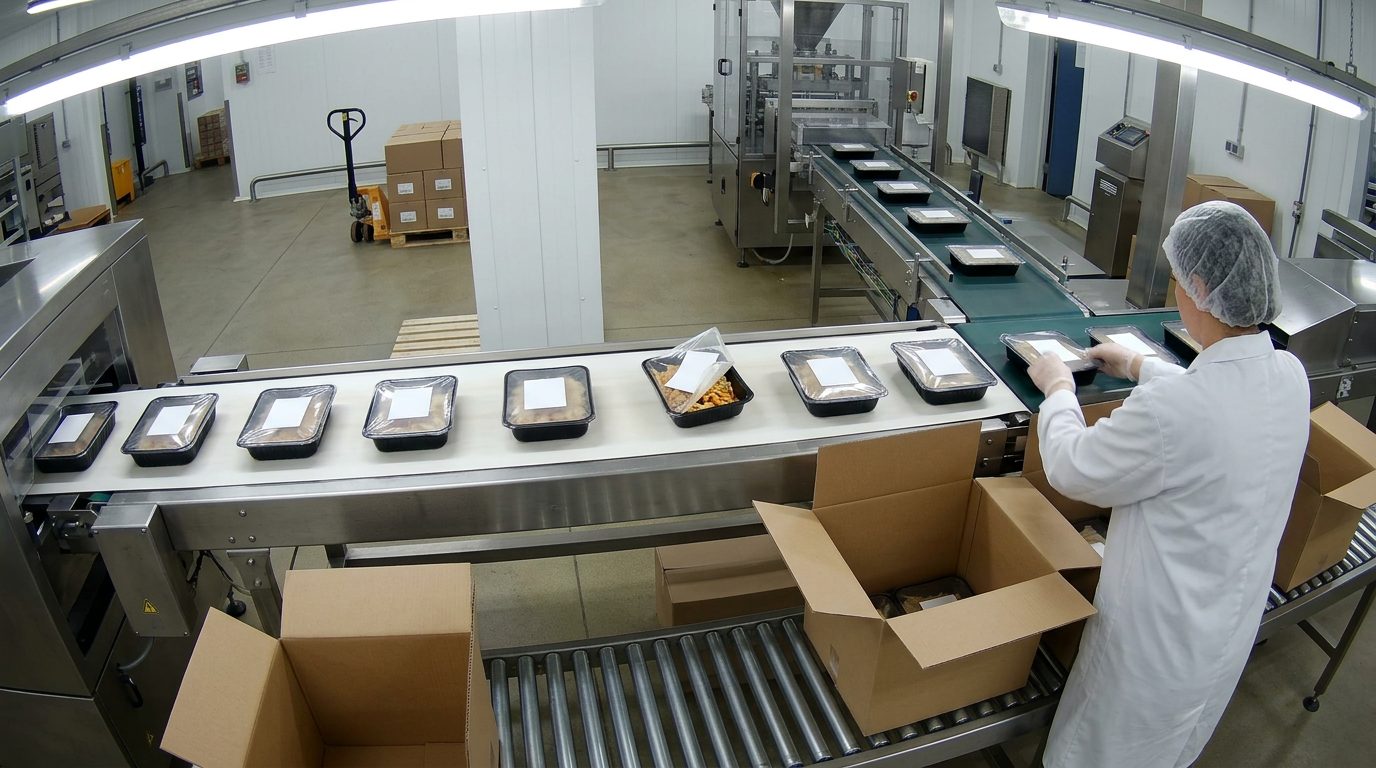
Lid open · label skewed
Quality and lossPresentation and packaging checkPresentation checked on every unit that passes.
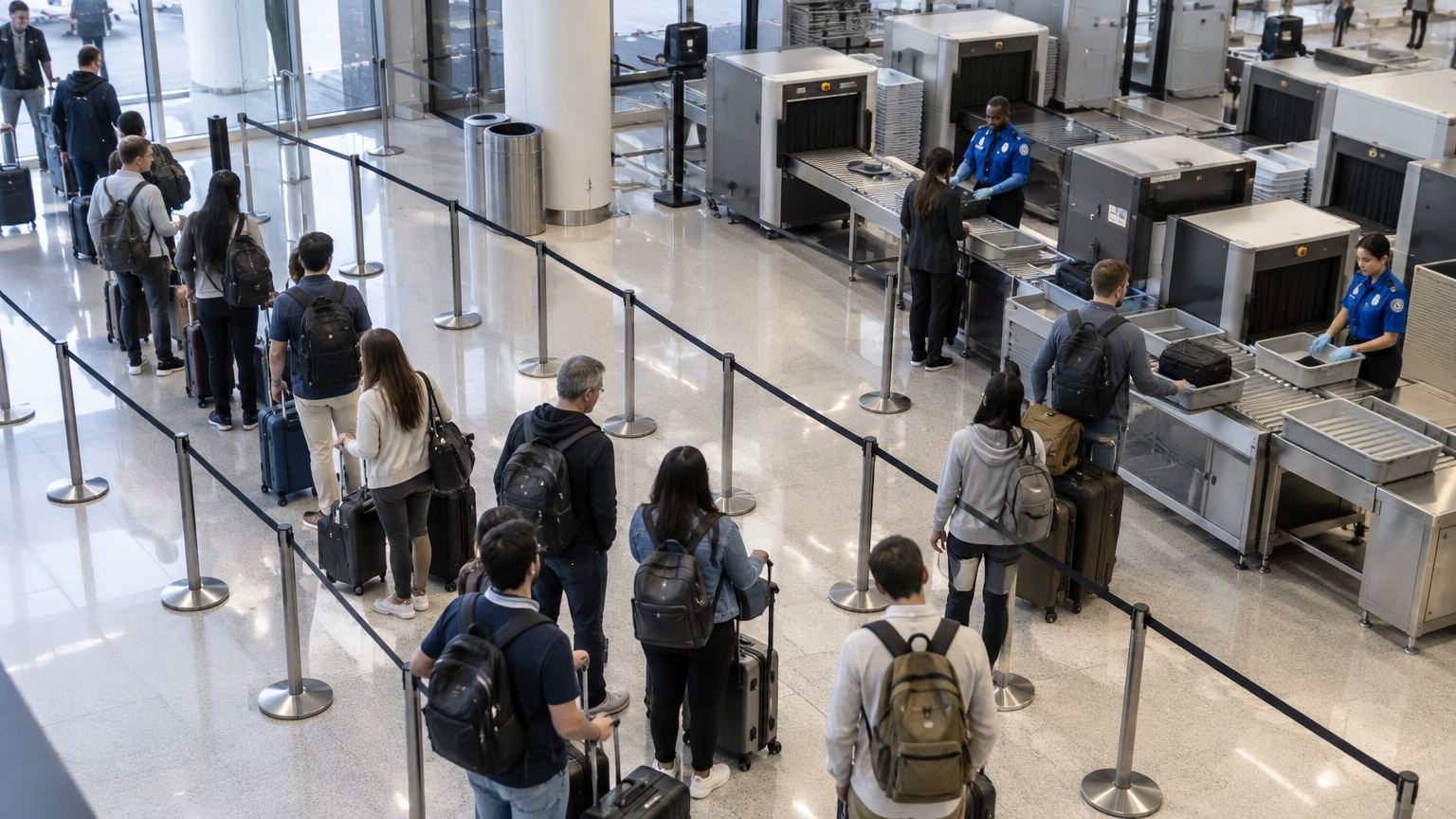
Wait 03:12
Wait 04:05
Wait 05:20
Wait 06:41
Officer
Flow and throughputQueue and wait timeKnow the wait before anyone complains.